Web Design Client Finder Workflow: How to Find Businesses That Actually Need a Website
A practical workflow for finding web design clients from local business signals, website gaps, and proposal-ready proof.

Find one website prospect before you write a pitch
Use the workflow to choose a niche, find a visible website gap, save the proof, draft a specific first offer, and follow up from the same lead record.
This flow is built for iCloseLeads traffic that wants a practical next action: search, qualify, save, pitch, and follow up.
Run a free lead search- 1Choose one market
Pick the service, niche, city, or buyer type before opening a broad list.
- 2Search for signals
Look for public proof of need, not just a company name or scraped contact.
- 3Save qualified leads
Keep the source proof, fit note, contact route, and pitch angle together.
- 4Draft and follow up
Generate the first message from context, review it, and schedule the next action.
Most web designers do not need another list of marketing channels. They need a repeatable way to find businesses that have a visible reason to care about a better website.
Fresh Google results around finding web design clients show the same pattern again and again: freelancers are searching for practical client-finding advice, cold outreach examples, marketplace alternatives, local business opportunities, and ways to get higher-paying clients without sounding desperate.
That is the gap iCloseLeads should own.
Quick answer
A web design client finder workflow should start with visible business signals: no website, outdated website, weak mobile experience, poor booking path, thin service pages, active reviews, hiring signals, or competitors with stronger local pages. iCloseLeads helps turn those signals into saved leads, proposal angles, and CRM follow-up so web designers can build a pipeline without relying only on Upwork or referrals.
Why this query matters for iCloseLeads
Web design clients are one of the clearest acquisition clusters for the product. The user has a concrete service to sell, the buyer problem is visible, and the first offer can be small enough to start a real conversation.
The strongest related searches include:
- find clients for web design business
- web design leads
- web design client finder software
- local business leads for web designers
- how to get leads for website development
- cold outreach for web designers
- businesses without websites
Those queries should not all become disconnected thin pages. They should form one topical system: how to find the lead, how to qualify the website gap, how to write the first pitch, and how to follow up.
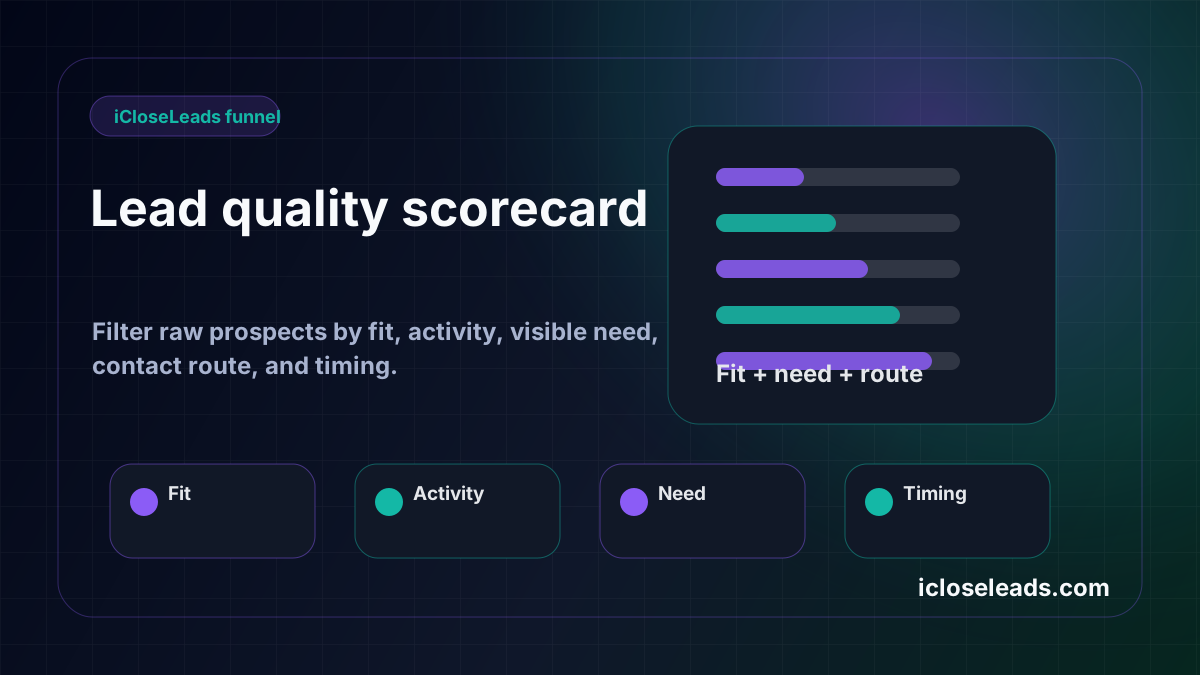
The web design client signal checklist
Use this checklist before saving a lead.
No website attached to an active business profile
This is not automatically a perfect prospect, but it is a strong starting signal. The business is operating, appears publicly, and may be losing search visitors who want a clearer path to contact, book, or request a quote.
Outdated or thin website
Old design is not the pitch. The pitch is the business problem: poor mobile path, unclear service page, weak trust proof, slow load, broken form, or no clear next action.
Active reviews but weak conversion path
Recent reviews show the business is alive and has demand. If the website does not help those searchers become calls or bookings, the gap is easier to explain.
Competitor with a stronger page
If a nearby competitor answers the local service intent better, the pitch can be framed around missed visibility and conversion opportunities instead of subjective design taste.
Hiring or growth signal
Businesses hiring marketers, managers, assistants, sales staff, or operations roles may be investing in growth. A better website or landing page can support that growth.
The iCloseLeads workflow
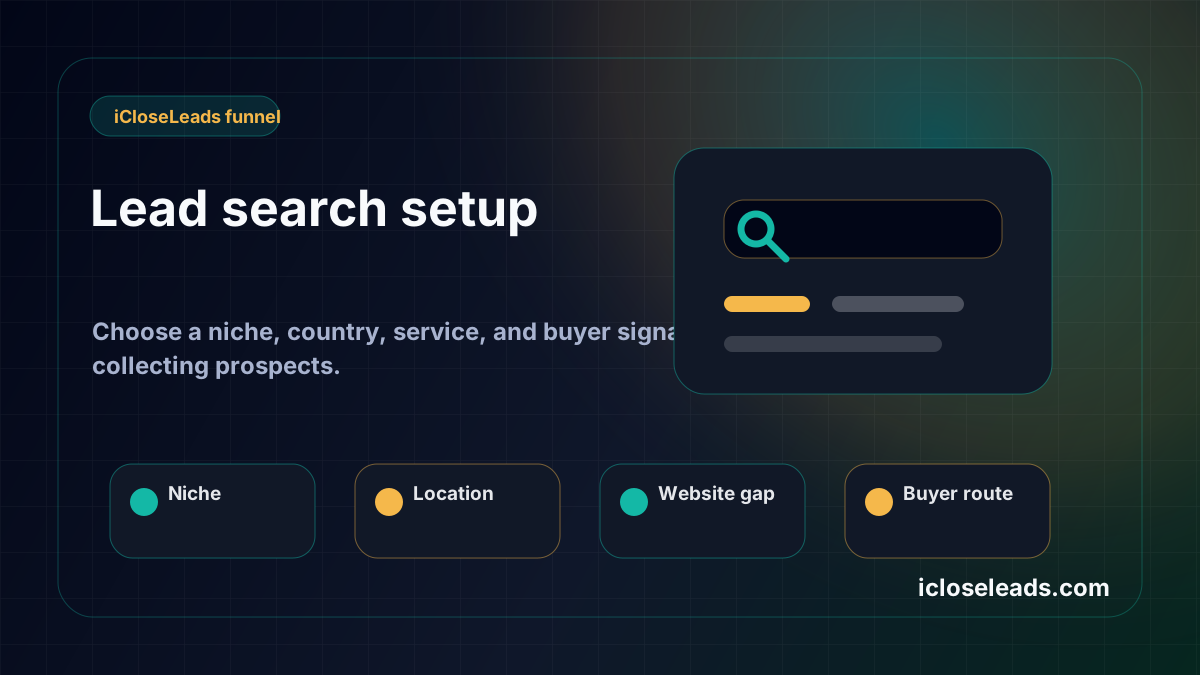
Step 1: Choose one niche
Do not search every business. Pick one niche where a better website has clear value: dentists, med spas, landscapers, cleaning companies, legal offices, accountants, pool builders, chiropractors, optometrists, insurance agencies, or local service companies.
Step 2: Search by signal
Look for businesses with profile activity, missing websites, outdated websites, weak service pages, or no quote path. Save only the prospects where you can explain the issue in plain language.
Step 3: Preserve the proof
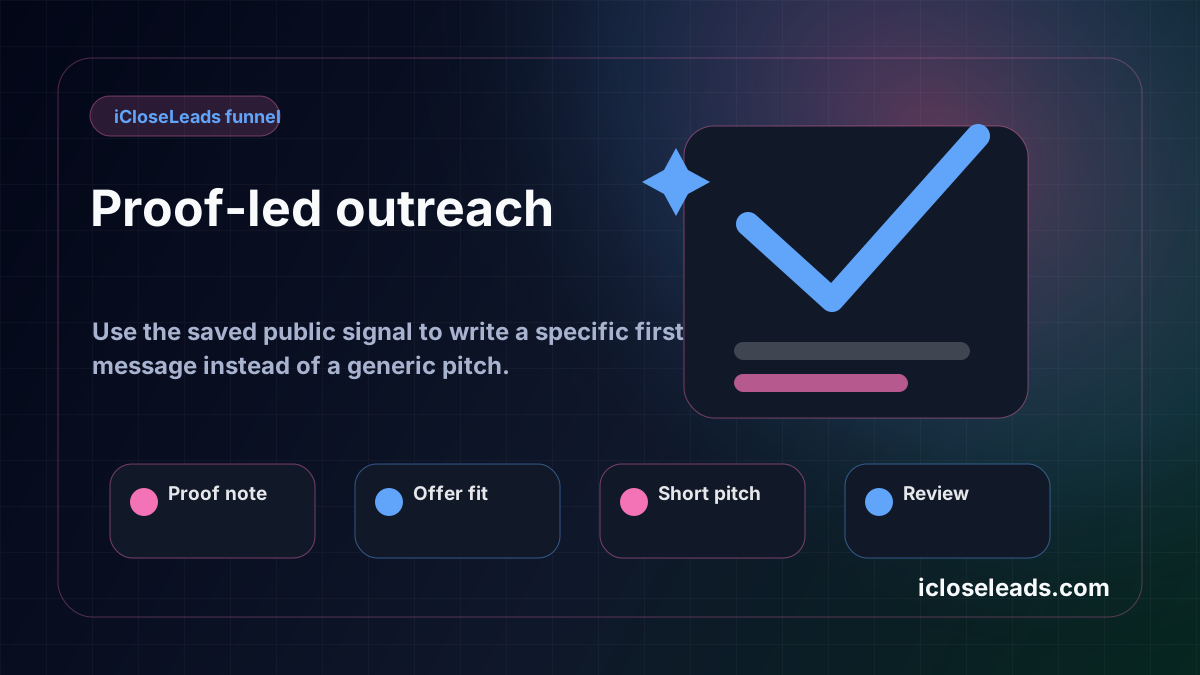
Save the business name, website URL, profile source, visible issue, service fit, and contact route. The proof note is what makes the outreach specific.
Step 4: Draft a small first offer
Do not lead with a giant redesign package. Offer a short audit, a landing page for one service, a booking-path fix, a mobile conversion improvement, or a clearer quote request page.
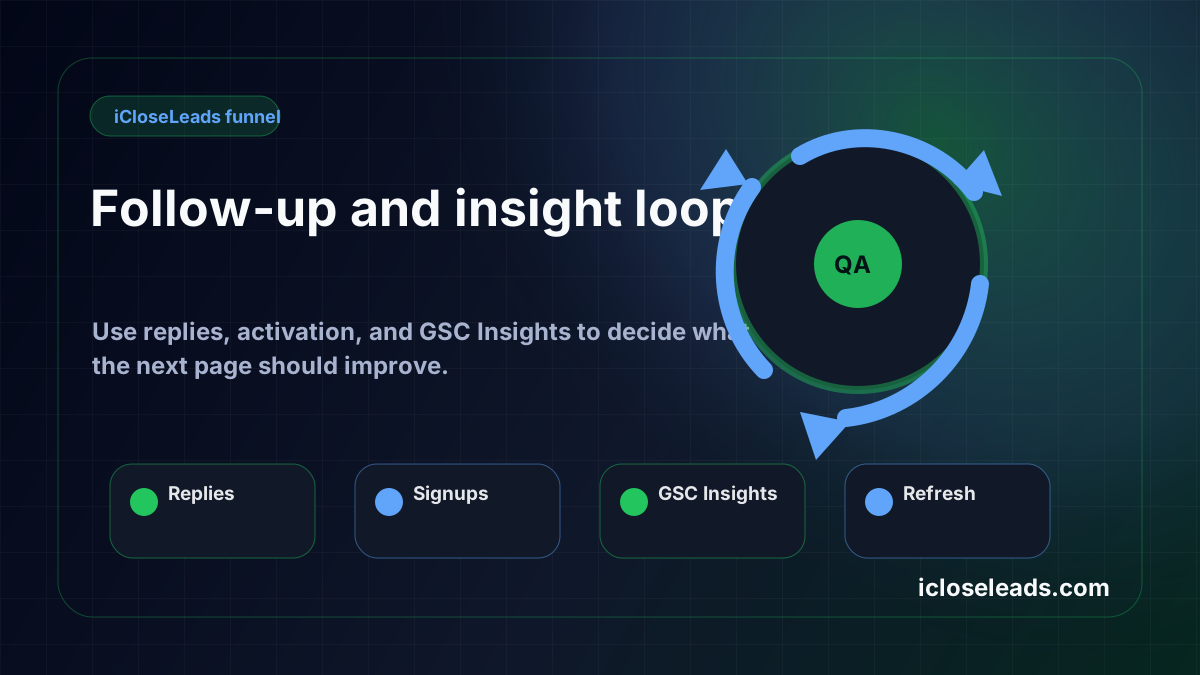
Step 5: Follow up from the same record
A good first message can still be missed. The CRM should keep the next action visible so the freelancer does not lose warm prospects after one attempt.
What competitors usually miss
Advice posts often say to use social media, marketplaces, referrals, LinkedIn, local networking, content marketing, or cold email. That is useful, but broad. iCloseLeads can outrank and convert by showing the action path that comes after the advice:
- Which signal makes a business worth saving?
- What should the first pitch mention?
- Which leads should be rejected?
- What goes into the saved note?
- How does the freelancer follow up?
That practical structure is the advantage.
First message example
Here is the kind of message the workflow should support:
"Hi, I found your business while researching local companies with active demand but unclear website conversion paths. I noticed your profile is active, but the mobile page does not make the quote request easy to find. I help service businesses turn that traffic into clearer calls or bookings. Would it be useful if I sent a short 3-point idea?"
That message is still only a starting point. It works better when it is based on real proof saved from the lead search.
Final takeaway
The best web design client finder is not a scraper. It is a workflow that helps the designer find visible need, qualify the business, save proof, draft a specific first offer, and follow up.
That is the iCloseLeads opportunity. Own the web design client acquisition cluster by publishing helpful pages, building product-led examples, and making every article push the reader into a real lead search.
Visual workflow
See the system before you build it

Turn the article into a lead workflow
Use the idea from this guide to find prospects, save only the best opportunities, prepare a specific pitch, and keep the follow-up attached to the original lead. Free users can start with 600 lead searches, then use the first saved lead as the test.
iCloseLeads Team
We study what works in freelance client acquisition so you don't have to. Subscribe for weekly insights.


