AI Website Mockups for Web Design Leads: A Better First Pitch
How freelancers can turn web design leads into a stronger first conversation by generating a focused website concept from the prospect's real business context.

Use the free trial to build one qualified lead sprint
Search focused prospects, save only proof-backed matches, and move the best leads into proposals, softphone calls, or CRM follow-up.
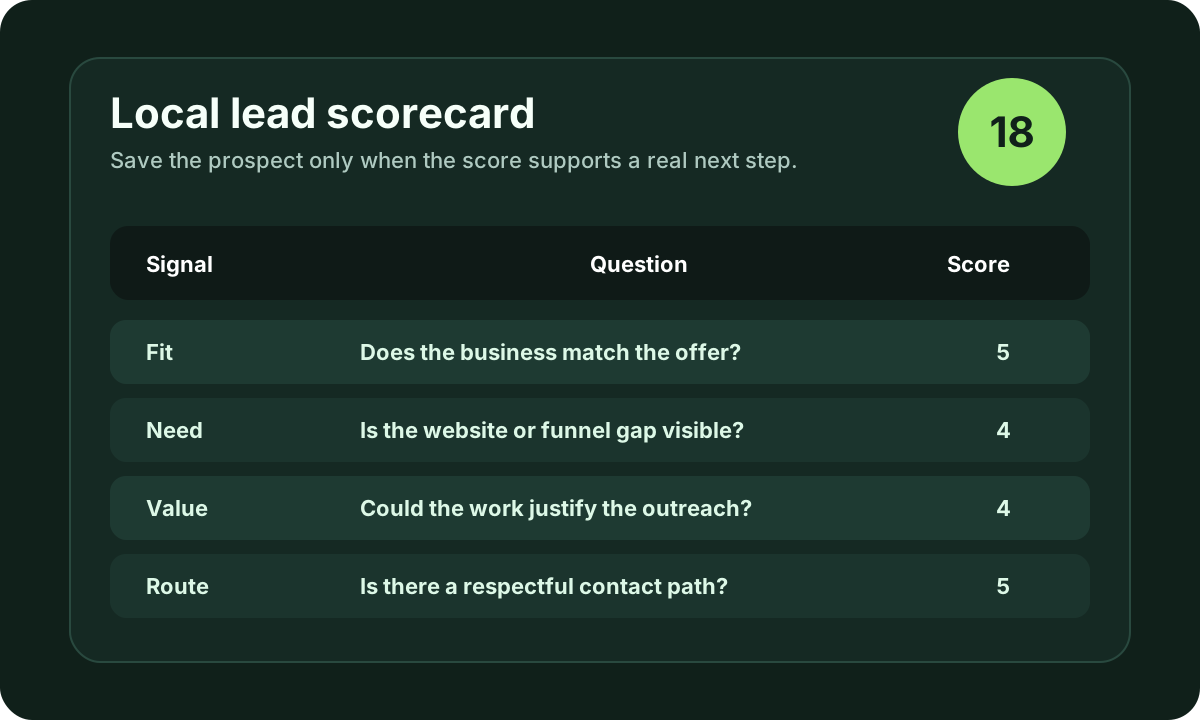
Free accounts currently receive up to 600 lead results during the 3-day trial. Use that capacity for qualification, not mass outreach.
Start free with iCloseLeads- 1Pick one offer
Choose the service, niche, and buying signal before searching.
- 2Save the proof
Keep the public website, profile, hiring, or contact evidence with the lead.
- 3Choose the route
Use email, softphone, proposal, or CRM only when the contact path fits.
- 4Review outcomes
Track replies and calls before expanding the next search.
A web design lead becomes more valuable when the prospect can see the problem and the possible fix.
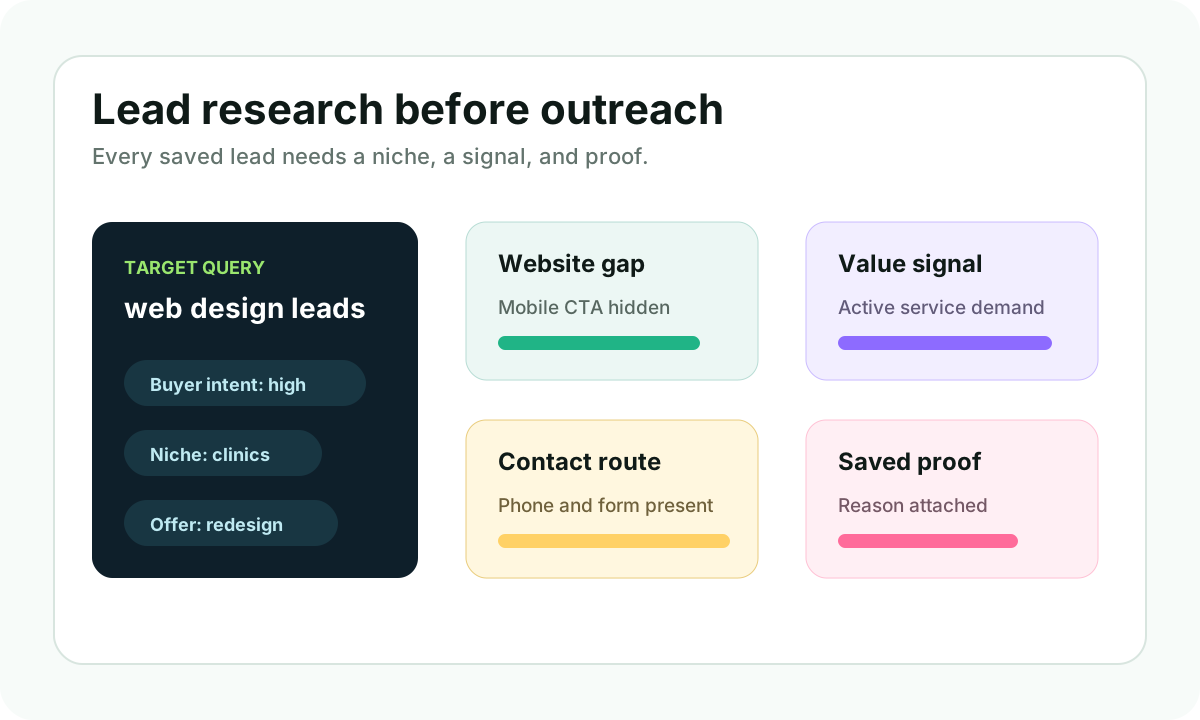
That is the thinking behind the iCloseLeads web design feature: use a business, prompt, niche, and visible requirement to create a website concept that supports the pitch. This targets searches around web design leads, website development leads, AI website mockup, prompt to website design, and how to pitch website redesign services.
Short answer
For web design outreach, do not send a generic portfolio link first. Find a business with a visible website gap, create a small concept around that gap, and use the mockup as proof that you understand the business. The concept should support the conversation, not pretend to be finished client work.
Why a visual pitch helps
Many local businesses know their website is weak, but they do not know what better looks like. A short email saying "I can redesign your website" asks them to imagine the result. A clear concept lowers that friction.
The best use cases are:
- businesses with no website
- outdated websites with active local demand
- service pages that do not explain the offer
- mobile pages with weak call or booking paths
- clinics, med spas, contractors, agencies, and local service teams
The workflow
Start with a lead search. Save businesses where the public proof is clear: website issue, Google profile activity, reviews, service demand, or competitor gap.
Then create a prompt:
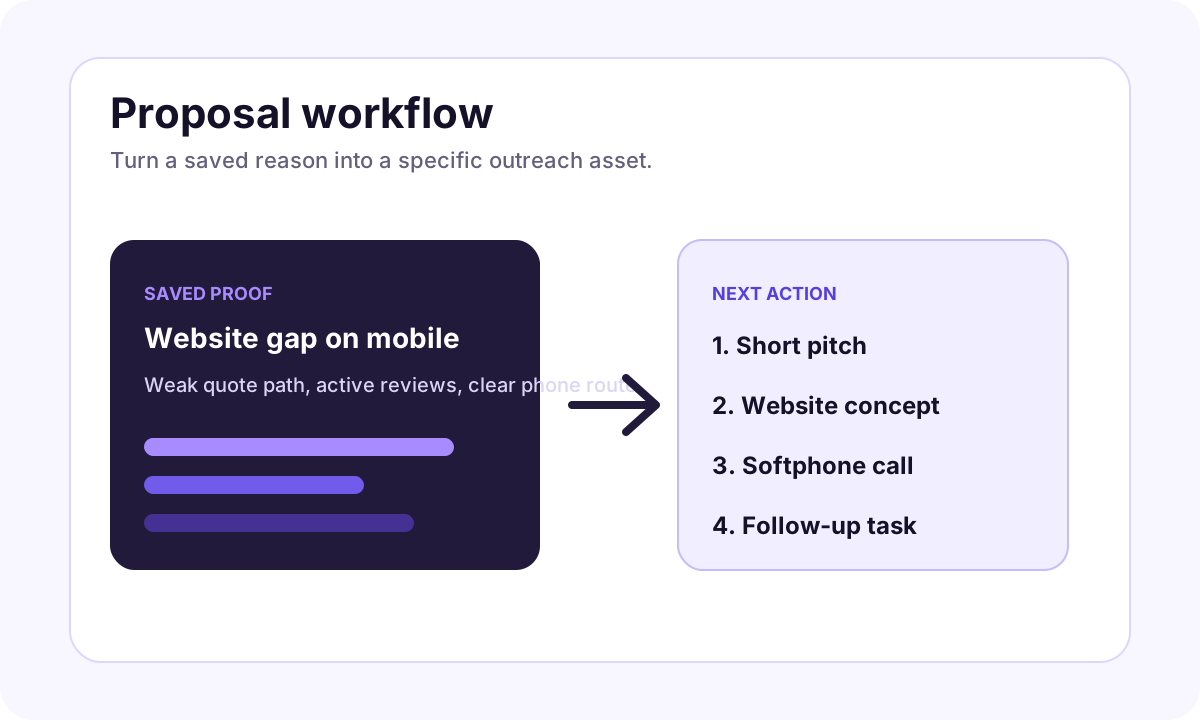
"Create a homepage concept for a [business type] in [city] that needs more [calls/bookings/quotes]. Emphasize [service], [trust signal], [CTA], and [mobile-first flow]."
Use the generated concept to write a better first message:
"I noticed your current page makes it hard for mobile visitors to request a quote. I put together a small concept showing how the first screen could guide people toward the main service and booking action. Would you like me to send it?"
That is more specific than a generic pitch and less aggressive than pretending the prospect already asked for a redesign.
SEO and sales advantage
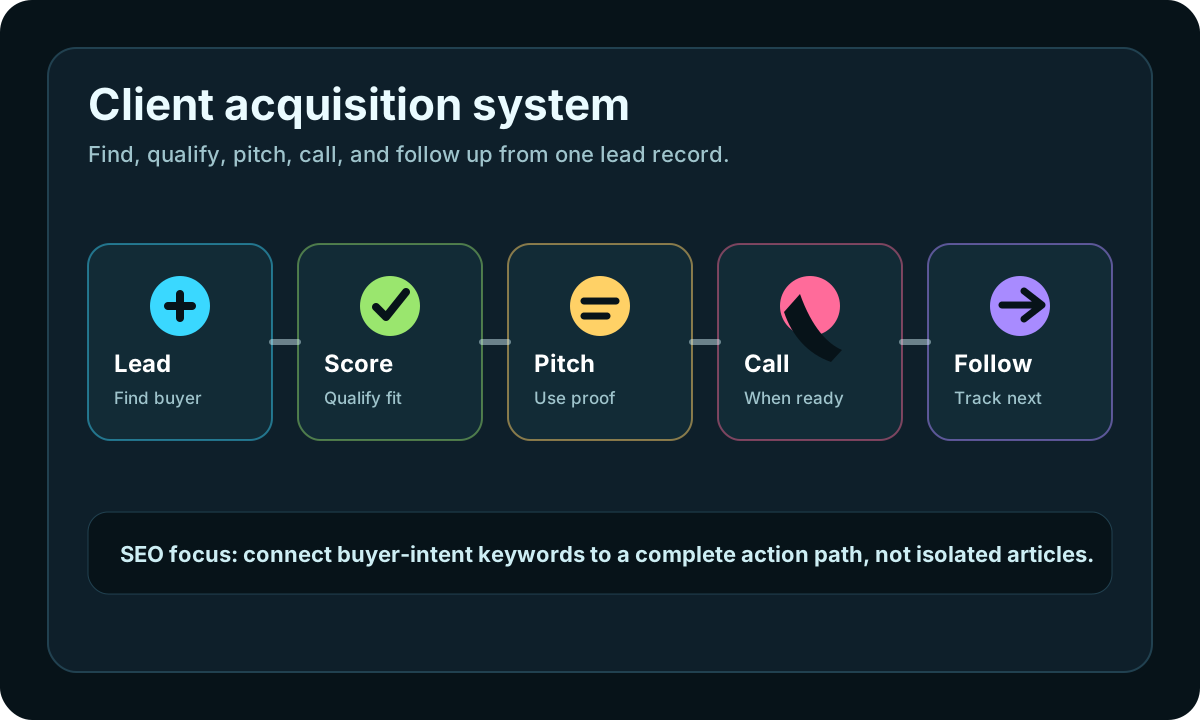
This workflow also helps iCloseLeads' own SEO because it connects high-intent terms:
- web design leads
- website development leads
- local business leads
- website redesign pitch
- AI website generator for clients
- prompt based website design
The product story is simple: find the lead, understand the website gap, create a concept, and follow up from one place.
What to avoid
Do not fabricate results, publish the prospect's private details, or make the mockup look like approved work. Keep the tone helpful and specific. The visual is a conversation starter, not pressure.
If the prospect replies, move the lead into the CRM, prepare a proper proposal, and use the original proof to shape the scope.
Start with web design leads, use the web design generator, and build the first campaign with your free trial allowance.
Visual workflow
See the system before you build it
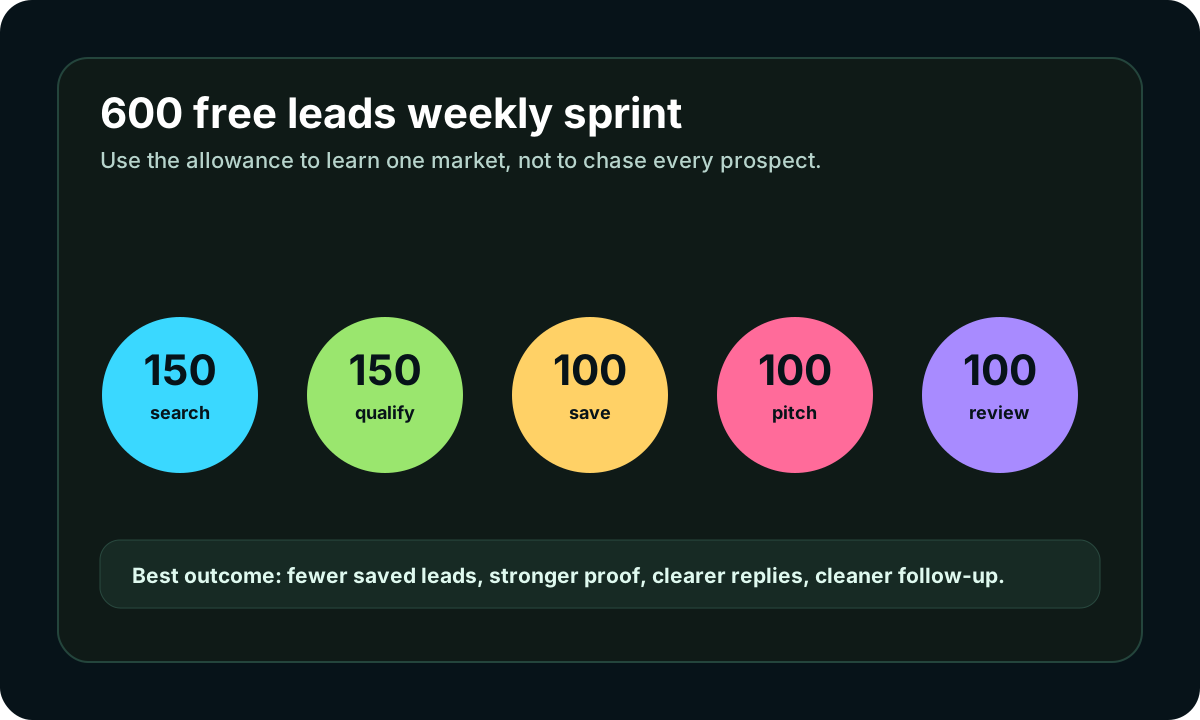
Turn the article into a lead workflow
Use the idea from this guide to find prospects, save only the best opportunities, prepare a specific pitch, and keep the follow-up attached to the original lead. Free users can start with 600 lead searches, then use the first saved lead as the test.
iCloseLeads Team
We study what works in freelance client acquisition so you don't have to. Subscribe for weekly insights.


