Client Acquisition Software Comparison for Freelancers: What Actually Helps You Get Clients?
A practical comparison framework for freelancers choosing between CRMs, cold email tools, marketplaces, spreadsheets, and iCloseLeads.

Test the software by saving one qualified lead
Do not compare tools by features alone. Run one focused search, save a qualified prospect, generate a pitch, and see whether the workflow helps you take the next action.
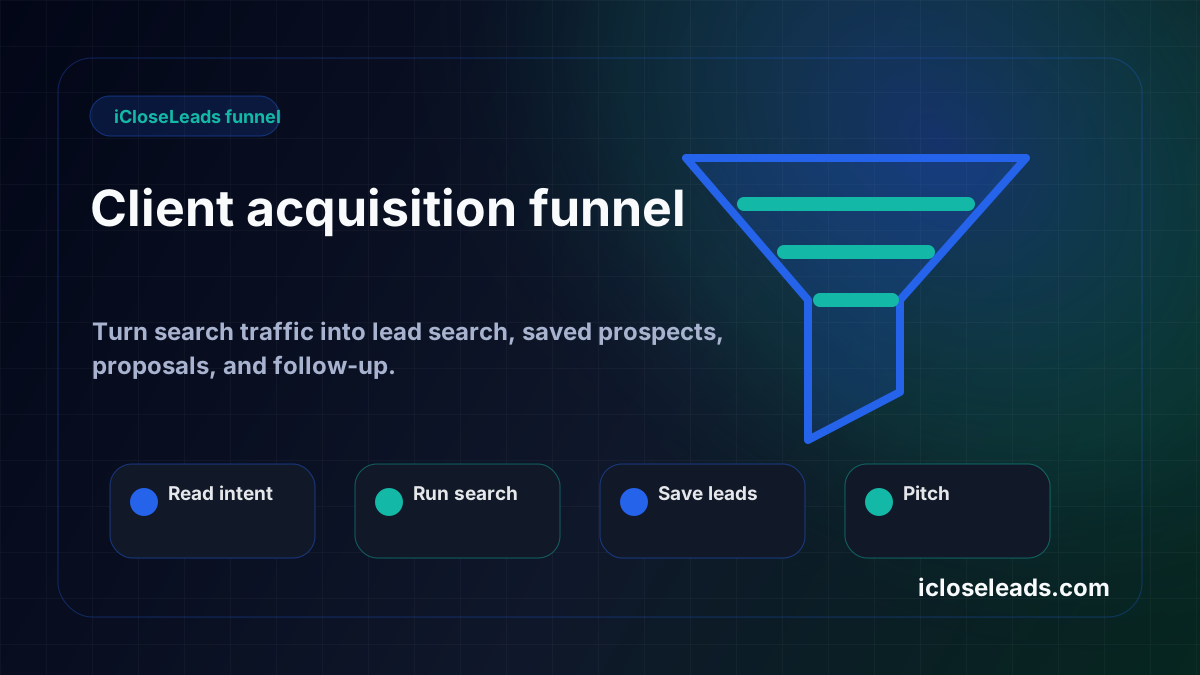
This flow is built for iCloseLeads traffic that wants a practical next action: search, qualify, save, pitch, and follow up.
Run a free lead search- 1Choose one market
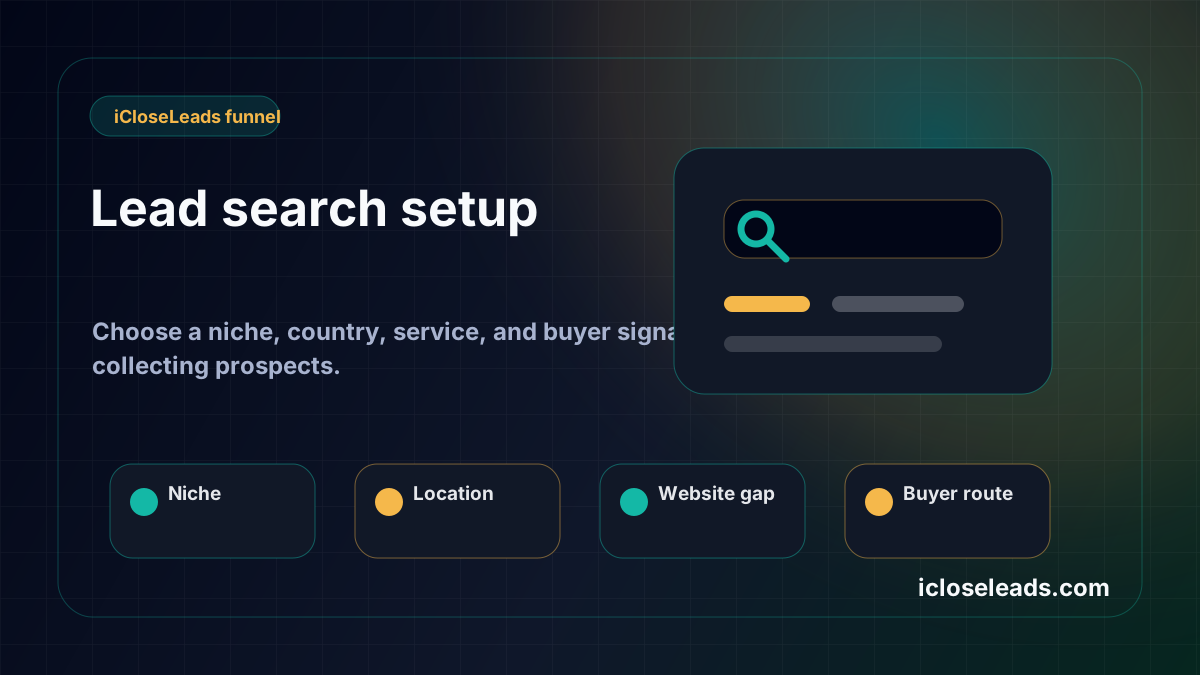
Pick the service, niche, city, or buyer type before opening a broad list.
- 2Search for signals
Look for public proof of need, not just a company name or scraped contact.
- 3Save qualified leads
Keep the source proof, fit note, contact route, and pitch angle together.
- 4Draft and follow up
Generate the first message from context, review it, and schedule the next action.
Freelancers usually compare client acquisition software the wrong way.
They look at feature lists, price pages, automation claims, or huge contact databases. Those details matter, but they do not answer the real question: will this tool help you find a better prospect, understand why they are worth contacting, send a useful first message, and follow up without losing the thread?
That is the complete client acquisition job. A tool that only handles one piece can still be useful, but it should not be confused with a full acquisition system.
Quick answer
The best client acquisition software for freelancers is the tool that connects lead discovery, qualification, saved proof, proposal drafting, outreach preparation, and follow-up. iCloseLeads is built around that full workflow, so it is a strong fit when a freelancer wants off-market leads, local business opportunities, web design prospects, remote project signals, and a simple CRM path from first search to follow-up.
What the current SERP shows
Fresh Google checks for freelancer lead generation, client acquisition software, web design clients, and cold email CRM show a mixed search landscape:
- Marketplaces such as Upwork, Freelancer, Guru, PeoplePerHour, and Toptal attract people who want existing demand.
- CRM pages such as Pipedrive and other client-management software answer pipeline and relationship-management intent.
- Cold email software pages such as Instantly answer sending and sequencing intent.
- Advice posts and Reddit threads answer the anxiety behind the search: where do I find clients, what actually works, and how do I avoid sounding spammy?
That mix tells us the page should not only say "iCloseLeads is software." It should explain where iCloseLeads fits in the full acquisition loop.
The five-part comparison framework
A freelancer should compare every tool against five jobs.
1. Lead source quality
Does the tool help you find businesses, jobs, or opportunities that match your offer? A large database is not enough. The source should produce leads you can explain in one sentence.
For a web designer, that could mean businesses with no website, outdated pages, weak mobile calls to action, or local competitors with stronger conversion paths. For an SEO consultant, it could mean businesses with weak local visibility, thin service pages, missing FAQ coverage, or broken indexable pages.
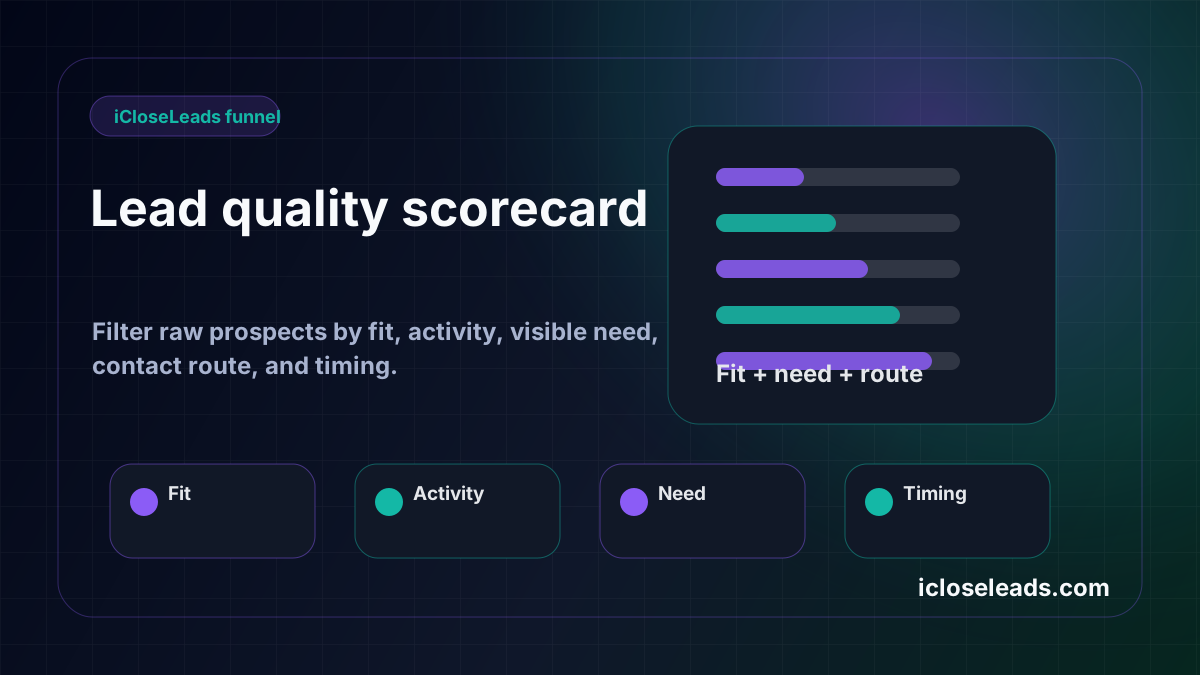
2. Qualification before outreach
Bad outreach starts before the email is written. If the prospect does not match the service, does not show a visible need, and has no respectful contact route, the best template will still feel random.
iCloseLeads should be used to save only the leads with clear fit, visible proof, and a realistic next step.
3. Proposal context
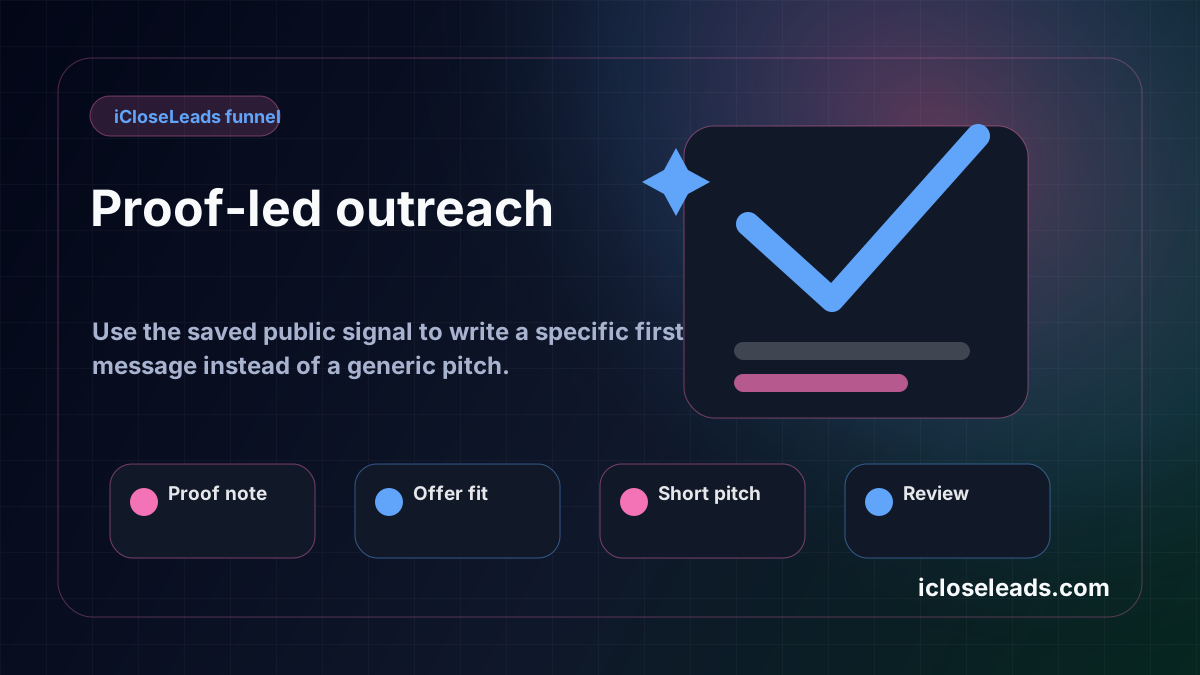
Generic CRMs can store contact information. That is useful, but freelancers also need the reason the contact was saved. The proposal should start from the business signal, not from a biography of the freelancer.
A good saved lead note says: what the business does, what public signal was found, why the offer fits, and what small first step makes sense.
4. Outreach preparation
Cold email tools are valuable when the list is qualified. They are dangerous when the list is weak. Before sending any message, the freelancer should check whether the message is truthful, relevant, respectful, and based on public business context.
iCloseLeads should help prepare the draft, but the freelancer should still review it before sending.
5. Follow-up and learning
Client acquisition improves through feedback. Which leads replied? Which niches opened conversations? Which pages sent signups? Which topics produced saved leads? A tool should make follow-up visible so the next search is smarter than the last one.
How iCloseLeads compares to common alternatives
Marketplaces
Marketplaces give freelancers demand that already exists. They are useful, but everyone can see the same jobs. iCloseLeads is better when you want to find prospects before they post a public project or when you want to build an owned acquisition channel.
Generic CRMs
Generic CRMs are good for managing contacts and deals. iCloseLeads is better at the earlier stage: finding the lead, saving the proof, drafting the first proposal, and keeping the context attached.
Cold email platforms
Cold email platforms are good for sending and sequencing. iCloseLeads should come before that step by helping the freelancer build a better list and a stronger reason to send.
Spreadsheets
Spreadsheets are flexible and cheap. They break down when notes, source proof, proposal drafts, and follow-up dates live in different places. iCloseLeads keeps those pieces connected.
Best use case for iCloseLeads
iCloseLeads is best for freelancers and small agencies that need a repeatable acquisition workflow:
- Choose one service offer.
- Search one lead source.
- Save only qualified prospects.
- Draft a proposal from the saved signal.
- Follow up and review outcomes.
That is the reason to use it. Not because every freelancer needs another tool, but because client acquisition breaks when discovery, notes, outreach, and follow-up are separated.
SEO and conversion note
This page also supports the broader iCloseLeads SEO strategy. It connects the brand to high-value entities: client acquisition software, freelancer CRM, lead generation tools, cold outreach, proposal workflow, local business leads, web design leads, and AI outreach assistant. That helps classic SEO, answer engines, and generative search understand what iCloseLeads should be associated with.
Final recommendation
If you already have enough leads and only need deal management, use a CRM. If you already have a verified list and only need sending, use a cold email platform. If you need a practical system for finding prospects, saving proof, drafting outreach, and following up, start with iCloseLeads.
The simplest test is this: can you go from one search to one qualified saved lead to one reviewed pitch in one session? If yes, the software is doing the job.
Visual workflow
See the system before you build it
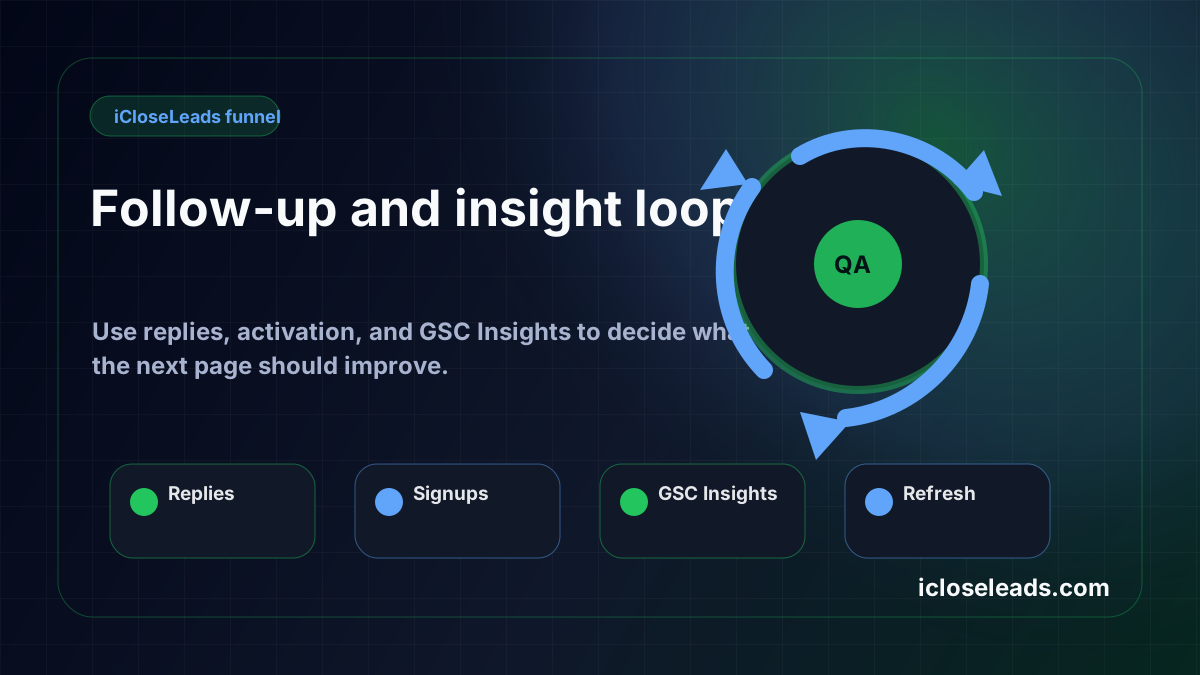
Turn the article into a lead workflow
Use the idea from this guide to find prospects, save only the best opportunities, prepare a specific pitch, and keep the follow-up attached to the original lead. Free users can start with 600 lead searches, then use the first saved lead as the test.
iCloseLeads Team
We study what works in freelance client acquisition so you don't have to. Subscribe for weekly insights.


