Business Leads Database Free vs Qualified Leads: What Freelancers Should Use
Compare free business lead databases with a qualification workflow built around proof, outreach quality, and follow-up.

Turn free lead data into qualified prospects
Search broad, then qualify by buyer fit, proof, timing, and route before you draft or call.
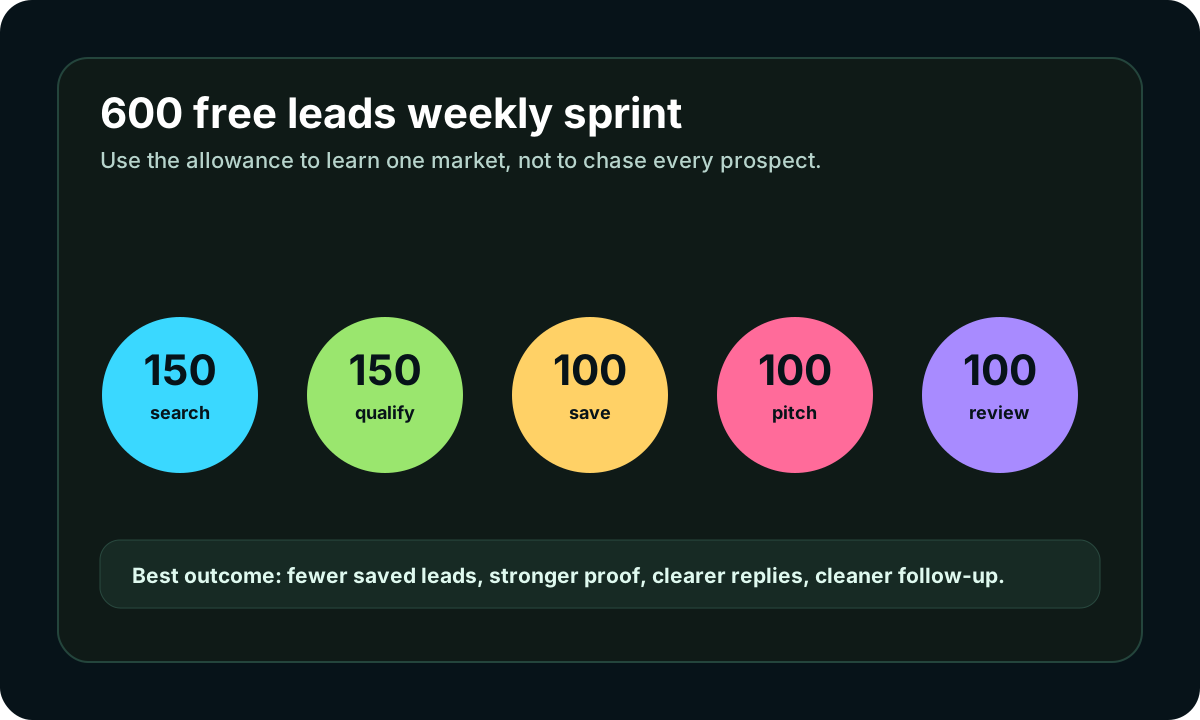
Use the free weekly allowance as research capacity: pick one offer, find visible buyer signals, save only qualified prospects, and follow up from the same workflow.
Test 600 lead results free- 1Choose one buyer
Pick a niche, city, or job type before searching so every result has context.
- 2Find the signal
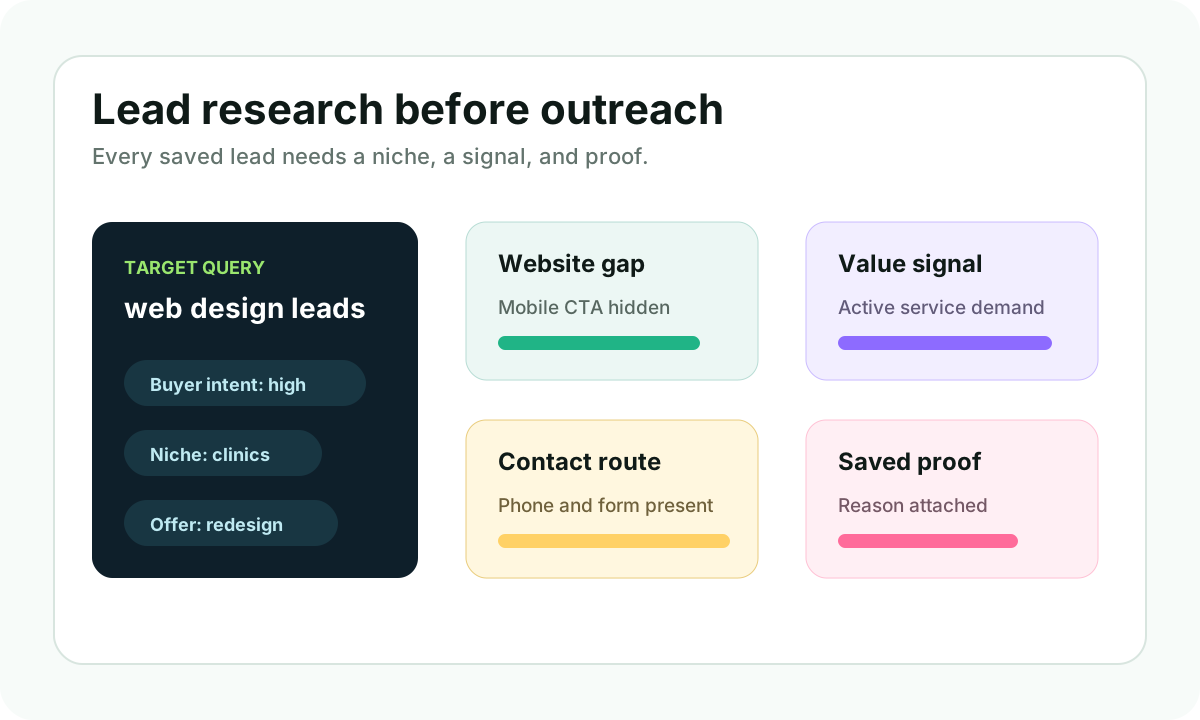
Look for website gaps, hiring demand, phone routes, weak booking paths, or a clear business problem.
- 3Save the proof
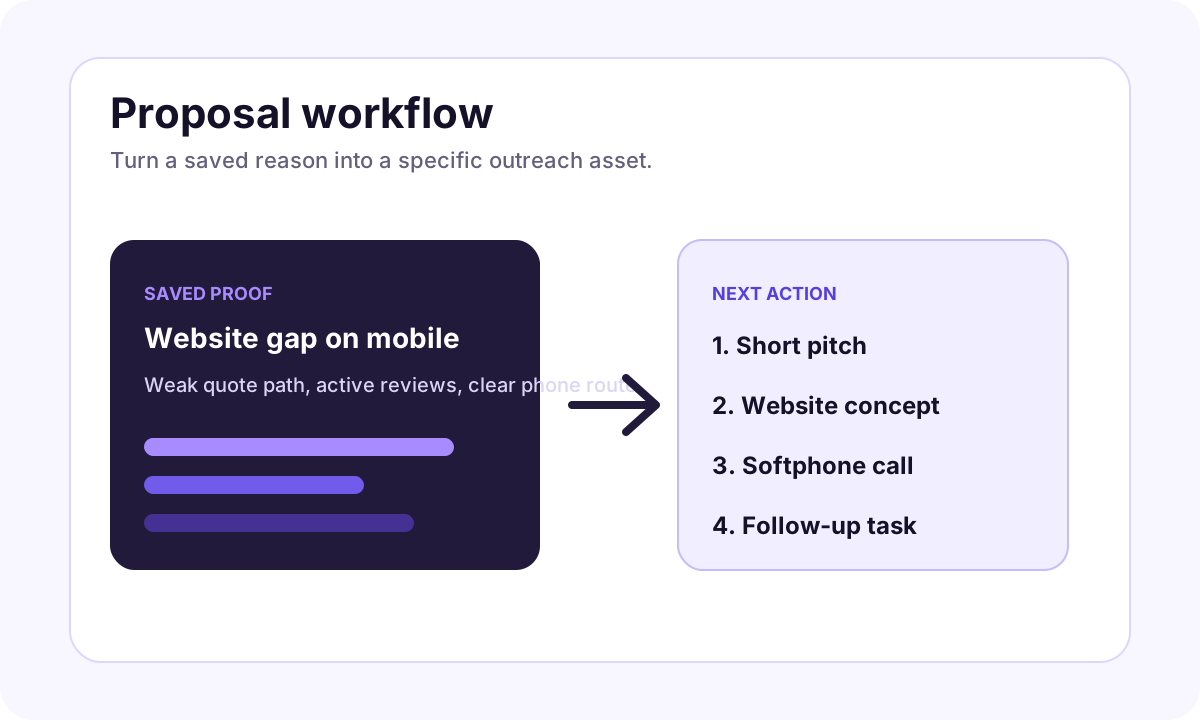
Keep the reason, page, profile, or job detail that makes the lead worth contacting.
- 4Move to action
Draft a message, open the softphone when calling fits, or create a website concept for the prospect.
A business leads database free search usually has a hidden problem. The searcher wants names now, but names are not the same as opportunity.
For freelancers, the better question is not "where can I download a lead list?" The better question is "which businesses have visible evidence that my offer can help?"
Short answer
A free business leads database can help with discovery, but qualified leads are better for outreach. iCloseLeads is built to help freelancers search, qualify, save proof, draft outreach, call when appropriate, and follow up instead of treating a lead list as the whole strategy.
Why free databases feel attractive
Free lead databases are easy to understand. Search a category, export a list, and start contacting people. That simplicity is why the keyword exists.
But freelancers often run into three issues:
- the data is broad
- the buyer intent is unclear
- the message becomes generic
If the outreach is generic, the size of the database does not help.
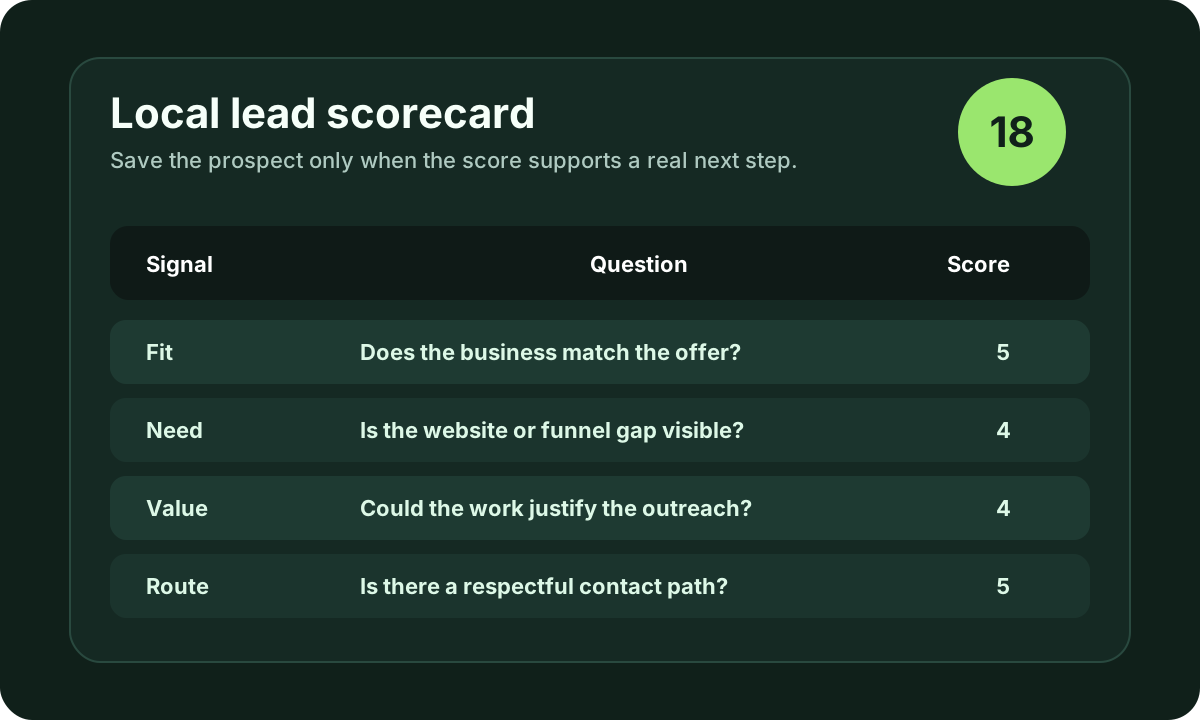
What makes a lead qualified
A qualified lead has enough context to justify a specific action. For web designers, that might be no website, outdated visuals, weak mobile forms, or missing service pages. For SEO consultants, it might be thin local pages, weak Google profile paths, or competitors answering intent better. For sales consultants, it might be visible growth, hiring, or broken follow-up.
The shared idea is the same: the lead should include a reason.
When a database is useful
A database is useful at the top of the process. It can help you discover a market, compare categories, and see whether a niche has enough reachable companies.
It should not be the final source of truth. Before outreach, check:
- is the business active?
- does it match your offer?
- is there public proof?
- is the contact route business-facing?
- can your first message be useful?
Where iCloseLeads fits
iCloseLeads gives the freelancer a middle layer between raw search and outreach. Use businesses without websites when the pitch is a website build. Use local business leads for city/category prospecting. Use CRM pipeline to keep follow-up attached to the original proof.
That is the difference between a list and a system.
Final takeaway
Use free lead databases for discovery, but do not let them define your outreach. The best client acquisition comes from qualified prospects, useful context, and disciplined follow-up.
Visual workflow
See the system before you build it
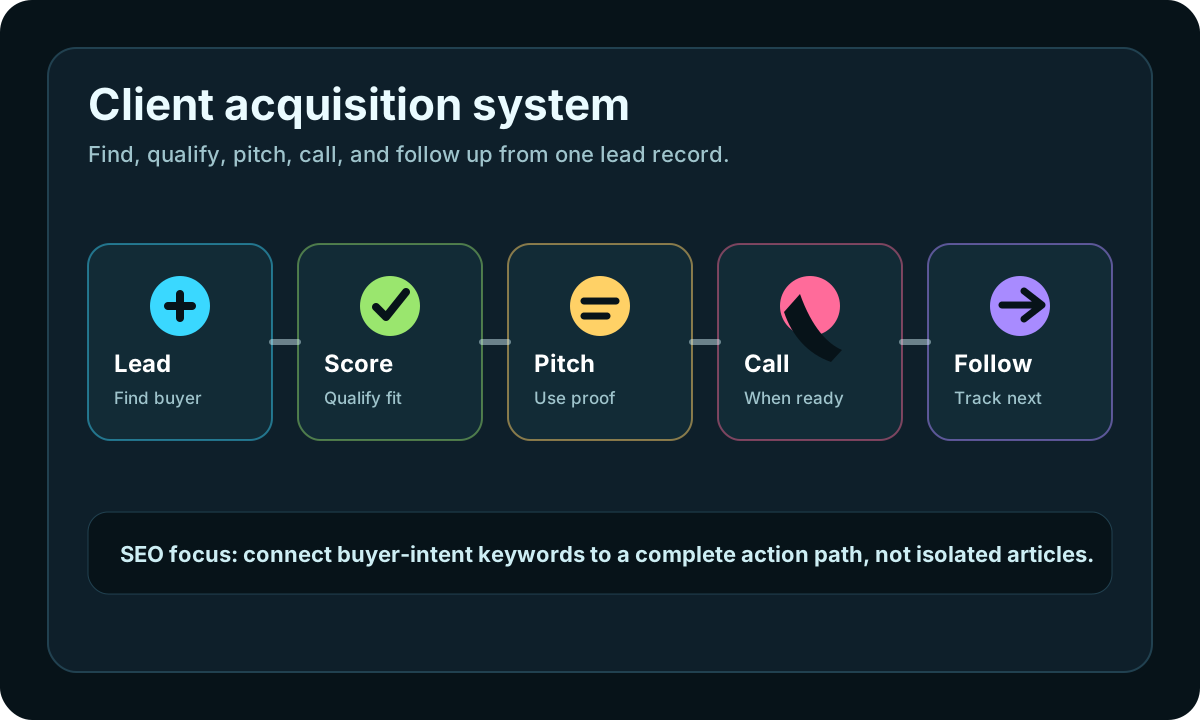
Turn the article into a lead workflow
Use the idea from this guide to find prospects, save only the best opportunities, prepare a specific pitch, and keep the follow-up attached to the original lead. Free users can start with 600 lead searches, then use the first saved lead as the test.
iCloseLeads Team
We study what works in freelance client acquisition so you don't have to. Subscribe for weekly insights.


