How to Find WordPress Clients in 2025 (A Freelancer's Complete Guide)
WordPress powers 43% of the web. Here's how to turn that into a steady stream of freelance clients who pay well and come back for more.

WordPress powers 43% of the internet — over 810 million websites. The demand for skilled WordPress developers, designers, and consultants is enormous and growing. The problem isn't finding work — it's finding the right work at the right rates.
Here's the complete guide to building a stable, well-paying WordPress client base.
Why WordPress Development Is Still Lucrative
Despite the rise of Webflow, Shopify, and no-code tools, WordPress remains dominant because:
- Clients already have WordPress sites and need ongoing maintenance
- Businesses switching from other platforms often migrate to WordPress
- WooCommerce is the leading e-commerce platform for mid-market businesses
- The plugin ecosystem creates infinite custom work opportunities
The key is positioning above commodity WordPress work ("I'll build you a 5-page site for $500") into specialist territory.
Specialization Options for Higher Rates
| Specialization | Rate Range |
|---------------|------------|
| Generic "WordPress developer" | $25–50/hour |
| WooCommerce developer | $75–150/hour |
| WordPress performance optimization | $80–200/hour |
| Custom plugin development | $100–250/hour |
| WordPress security specialist | $100–200/hour |
| Headless WordPress (WP + React/Next.js) | $100–250/hour |
Picking one specialty and marketing yourself as the go-to expert in that area multiplies your rates and attracts better clients.
Where to Find WordPress Clients
1. Job Boards (Real-Time Leads)
Hundreds of WordPress projects are posted daily on job boards. Use [iCloseLeads](https://icloseleads.com/for/wordpress-developers) to monitor them automatically — it watches RemoteOK, WeWorkRemotely, Reddit, HackerNews, and more simultaneously and surfaces the WordPress-specific opportunities for you.
Filter by your specialization: "WooCommerce," "plugin development," "performance," etc.
2. WPHired
WPHired is a job board dedicated exclusively to WordPress jobs. It gets less traffic than generalist boards, which means less competition. Check it daily.
3. WordPress.org Support Forums
The official WordPress support forums are where site owners go when they're stuck. Answer questions consistently and you become known as a helpful expert. Clients hire people they trust — and you've already helped them for free.
Do not pitch in the forums. Be genuinely helpful and include a professional signature with your website.
4. Local Businesses with WordPress Sites
Many local businesses have WordPress sites that are broken, slow, unsecured, or outdated. These are excellent prospects for:
- Site migrations
- Security audits
- Speed optimization
- Design refreshes
- WooCommerce implementation
Use [iCloseLeads Local Business Leads](https://icloseleads.com/features/lead-discovery) to find local businesses, then check each one for WordPress using the free "What's that site running?" tools like BuiltWith or Wappalyzer.
5. WordPress Agencies as a Subcontractor
WordPress agencies often have more work than their in-house team can handle and use trusted freelancers to overflow. Email 10–20 agencies:
> "Hi [Agency Name], I'm a WordPress developer specializing in [your specialty]. I'm looking for agency partners to support on client projects when your team is at capacity. I've worked on [brief examples]. Would it make sense to have a quick conversation?"
Agency work pays less per hour but provides consistent volume with no business development effort.
6. Maintenance Plans as Your Lead Magnet
Offer free WordPress audits to local businesses and website owners. You'll find broken links, security vulnerabilities, outdated plugins, and performance issues on 90% of sites. A free audit:
- Gets you in the door
- Demonstrates your expertise immediately
- Creates obvious paid work
From the audit, pitch a monthly maintenance plan: $200–500/month for plugin updates, backups, security monitoring, and minor updates.
The Perfect WordPress Client Pitch
> Subject: Your WordPress site — quick security concern
>
> Hi [Name],
>
> I was looking at [website URL] and noticed [specific issue — e.g., "your PHP version is 7.4 which reached end-of-life and no longer receives security updates"].
>
> I specialize in WordPress security and maintenance for [business type] sites. I recently helped [similar business] fix [similar issue] and set up automated backups and monitoring.
>
> Would a quick call to walk through the findings make sense?
This works because:
- You're leading with their problem, not your services
- The issue is specific and verifiable
- You have relevant experience
- The ask is low-commitment
Pricing for WordPress Work
Hourly: $75–200/hour depending on specialty
Fixed price:
- Security audit + hardening: $500–1,500
- Speed optimization: $500–2,000
- Custom plugin (simple): $1,500–5,000
- Theme customization: $1,000–4,000
- Full site build: $3,000–15,000+
Retainers (the real money):
- Basic maintenance: $150–300/month
- Standard maintenance + support: $300–600/month
- Premium (includes development hours): $600–1,500/month
Target 5–10 maintenance retainers. That's $1,500–$15,000/month in predictable income — before any project work.
[Find WordPress clients automatically with iCloseLeads →](https://icloseleads.com/for/wordpress-developers)
Visual workflow
See the system before you build it

Turn the article into a lead workflow
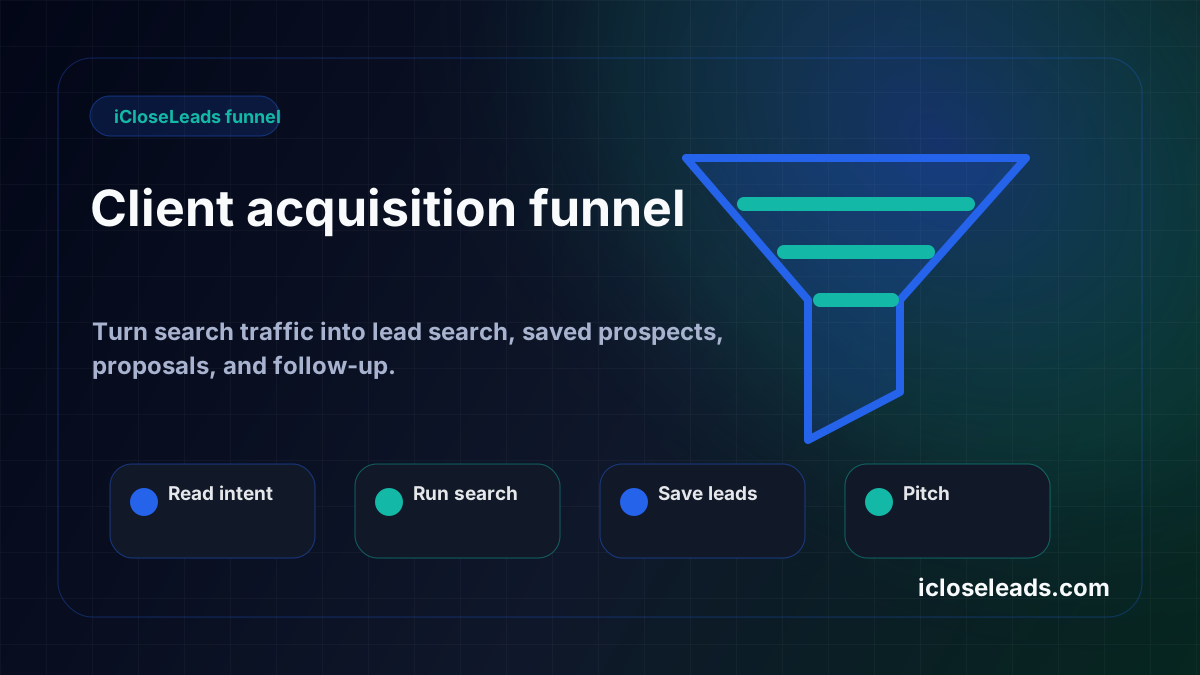
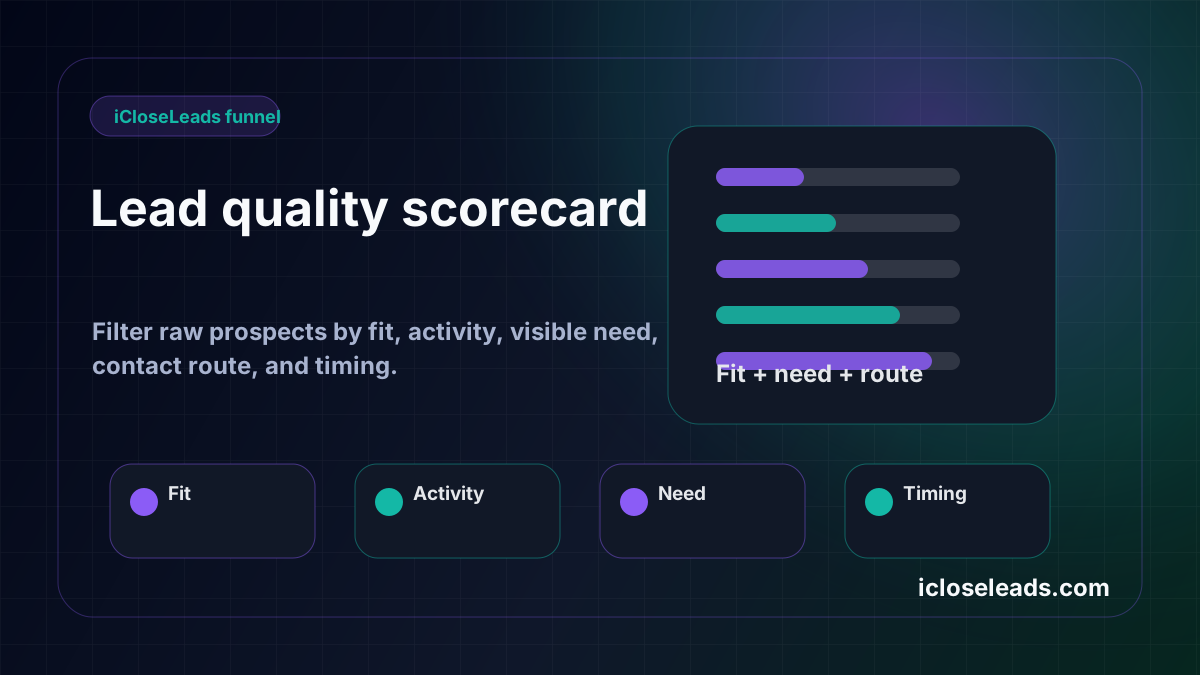
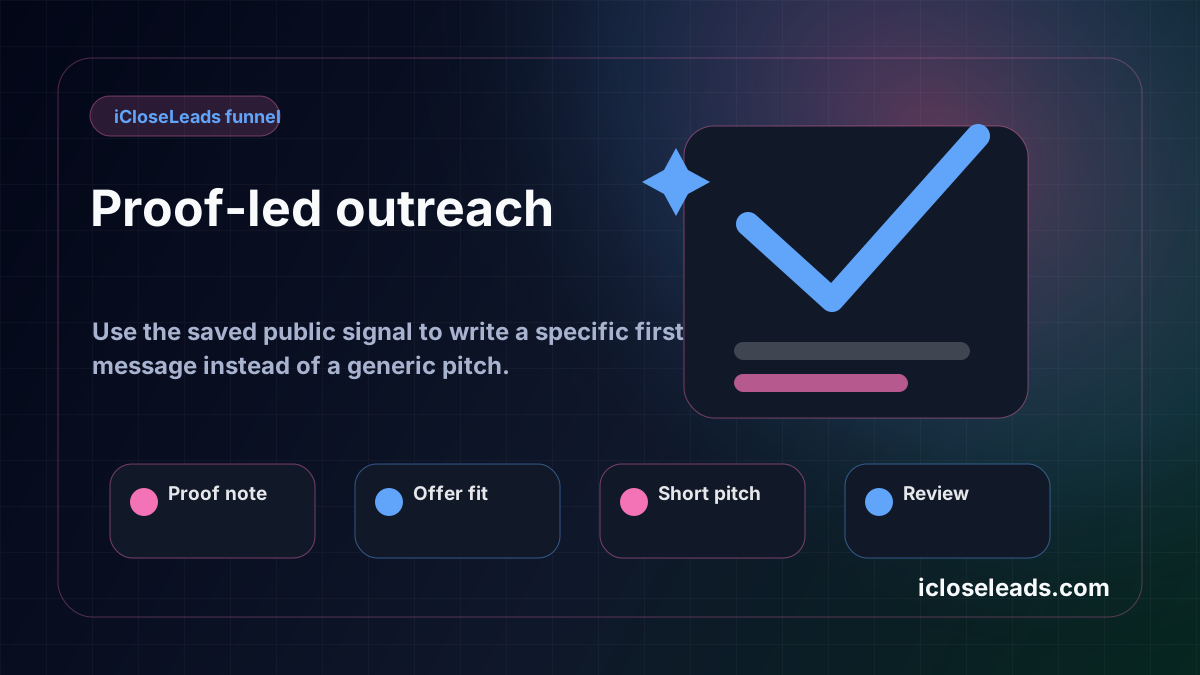
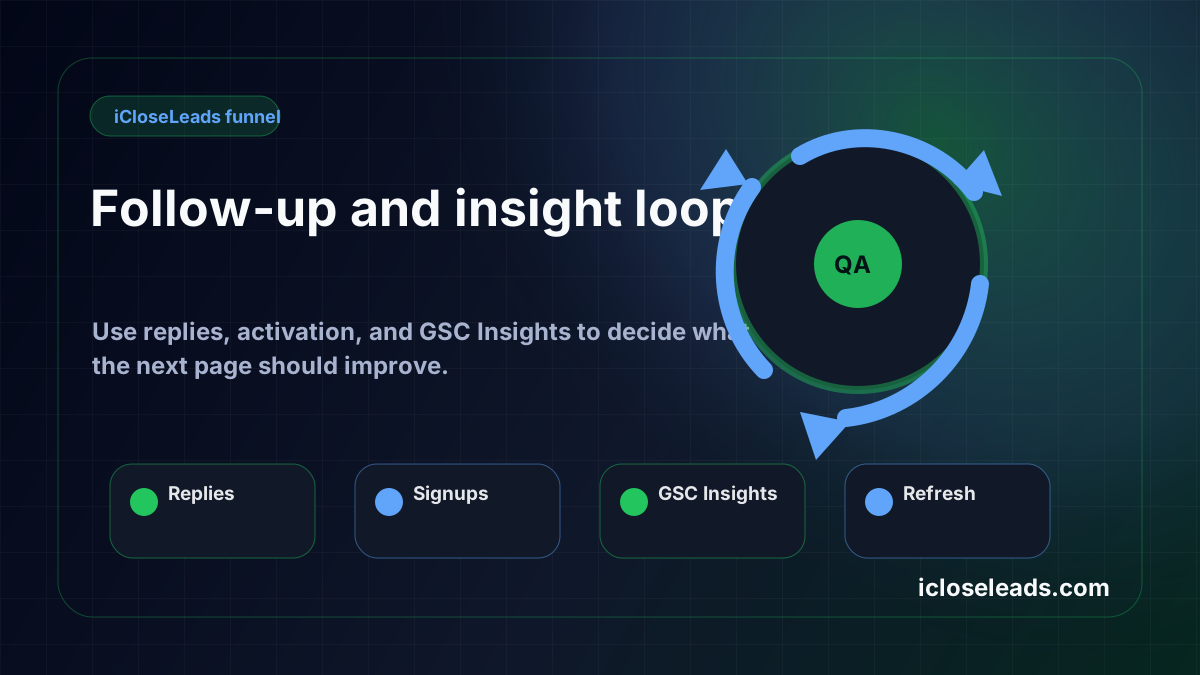
Use the idea from this guide to find prospects, save only the best opportunities, prepare a specific pitch, and keep the follow-up attached to the original lead. Free users can start with 600 lead searches, then use the first saved lead as the test.
iCloseLeads Team
Helping freelancers build sustainable client pipelines through direct outreach and AI-powered tools.


