Freelance CRM: How to Track Leads and Close More Clients
Most freelancers lose deals not because they lack skill, but because they lose track. Here's how to build a simple CRM system that turns more leads into paid clients.

Most freelancers don't lose deals because their work isn't good enough. They lose deals because they forget to follow up.
A lead replies with "sounds interesting, let me think about it" — and you move on to the next thing. Three weeks later, they hire someone else. Not because the other freelancer was better. Because they sent one more email.
A freelance CRM fixes this. Not by adding complexity — by giving you a system so nothing falls through the cracks.
What a Freelance CRM Actually Is
A CRM (Client Relationship Manager) is just a structured way to track every lead you're talking to and where they are in your sales process.
For agencies and SaaS companies, CRMs are elaborate software with automation, pipelines, and integrations. For freelancers, it can be much simpler — as long as it captures:
- Who the lead is and where they came from
- What they need
- Where they are in the conversation (first contact, proposal sent, negotiating, closed/lost)
- When to follow up next
The goal isn't to manage relationships. It's to make sure no lead slips away because you got busy.
Why Most Freelancers Skip This (And Pay for It)
Freelancers hate admin work. Tracking leads feels like bureaucracy when you'd rather be doing client work or finding new leads.
But here's the math: if you're talking to 20 leads a month and losing 30% of them just because you didn't follow up, that's 6 potential clients gone. At $2,000 a project, that's $12,000 left on the table every month — not from bad proposals, just from not staying organized.
The freelancers consistently making $8k–$15k per month aren't necessarily better at the work. They're better at the system.
The 4-Stage Pipeline Every Freelancer Needs
You don't need 12 pipeline stages. You need four:
1. New Lead — Someone you've identified as a potential client but haven't contacted yet. This comes from job boards, Reddit posts, local business databases, referrals, or wherever you source leads.
2. Contacted — You've reached out. The clock is ticking on a reply. If you don't hear back in 3–5 days, it's follow-up time.
3. Proposal Sent — You've submitted a proposal or had a discovery call. This stage has the highest drop-off because freelancers stop pushing. Don't. Follow up every 4–5 days until you get a yes, no, or "not now."
4. Closed / Archived — Either they hired you (closed won) or it's not happening (closed lost). Both go here. Closed lost leads are worth revisiting in 60–90 days — circumstances change.
How to Use This in Practice
Every morning, spend 10 minutes on your CRM:
- Review anything in "Contacted" older than 4 days — send a follow-up
- Review anything in "Proposal Sent" older than 5 days — check in
- Move any new leads from your sources into "New Lead"
That's it. Ten minutes a day prevents thousands of dollars from slipping away.
Where to Get Leads Worth Tracking
A CRM is only as good as the leads going into it. Manually hunting job boards wastes the time you just saved from tracking.
iCloseLeads pulls leads from 23 sources simultaneously — including RemoteOK, WeWorkRemotely, HackerNews Hiring, Reddit freelancing communities, and local business databases. Every lead is scored by niche so you're not wading through irrelevant posts.
Instead of starting your morning by checking 10 tabs and copy-pasting leads into a spreadsheet, you start with a scored, filtered list matched to your skills. That's what goes into stage 1 of your pipeline.
The local business leads feature is especially useful for web designers and SEO consultants: it surfaces businesses in any city without websites or with outdated ones. These aren't people who posted a job — they're businesses with an obvious need who haven't been approached yet. Response rates from these leads tend to be significantly higher.
Tools for Your Freelance CRM
You have three options, depending on how technical you want to get:
Spreadsheet (simplest): A Google Sheet with columns for Name, Source, Stage, Last Contact, Next Follow-Up, Notes. Free, flexible, and good enough for most freelancers handling under 30 active leads.
Notion or Airtable: More visual. Notion's Kanban view lets you drag leads through stages. Airtable adds filtering and automation. Both have free tiers.
iCloseLeads pipeline dashboard: If you're already using iCloseLeads to source leads, the built-in pipeline view handles tracking in the same place. No context-switching between a lead tool and a separate CRM.
The tool matters less than the habit. A spreadsheet you actually use beats Salesforce you ignore.
The Follow-Up Sequence That Closes Deals
Most freelancers send one follow-up and give up. The data says most deals close on the 4th–7th touchpoint.
Here's a simple sequence:
- Day 0: Send proposal or initial outreach
- Day 4: "Just checking in — happy to answer any questions about the proposal"
- Day 9: Send something useful — a relevant example, a quick insight about their industry, or a revised proposal if you've reconsidered scope
- Day 16: One last check-in: "I have some availability opening up next week if timing works"
- Day 30+: Move to "long-term follow-up" — ping them once a month with something genuinely useful
This sequence feels pushy in theory. In practice, clients appreciate persistence — it signals you're serious about the project and not just spraying proposals everywhere.
Pick the simplest CRM that you'll actually use. Create your four stages. Drop in every lead you're currently talking to. Set a reminder for tomorrow morning to spend 10 minutes on it.
The difference between freelancers who constantly scramble for clients and those with a full pipeline isn't luck or talent — it's this kind of system, running quietly in the background.
Start finding leads for free on iCloseLeads and you'll have plenty to put into that pipeline.
Visual workflow
See the system before you build it
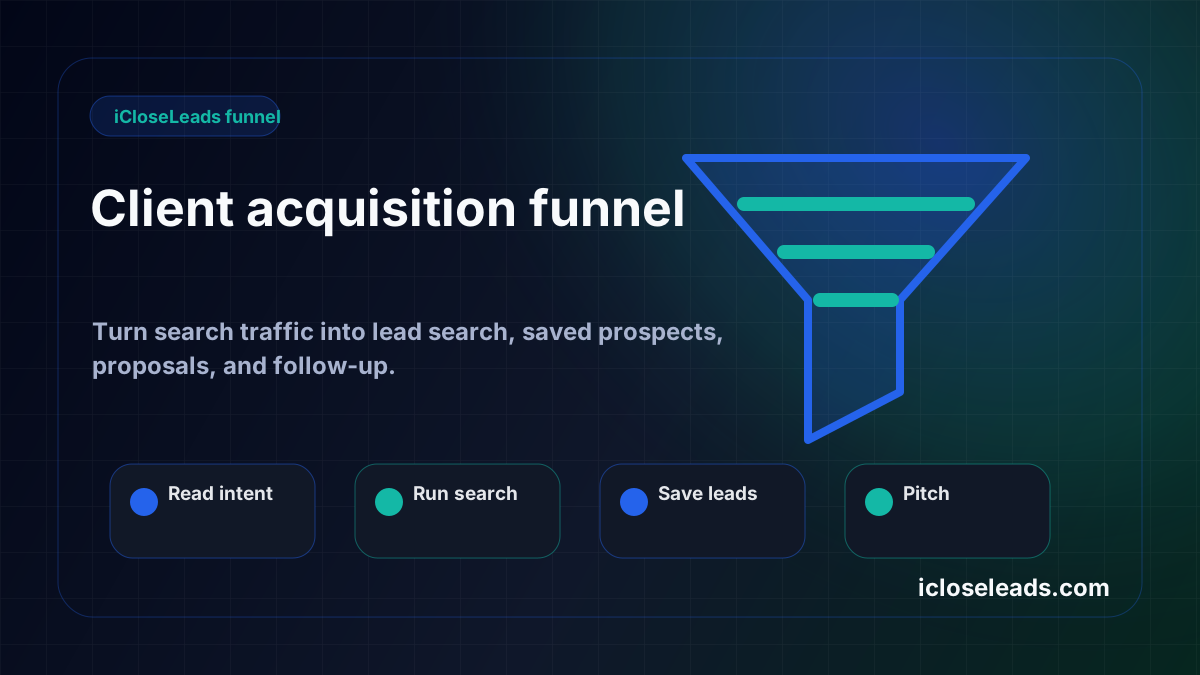
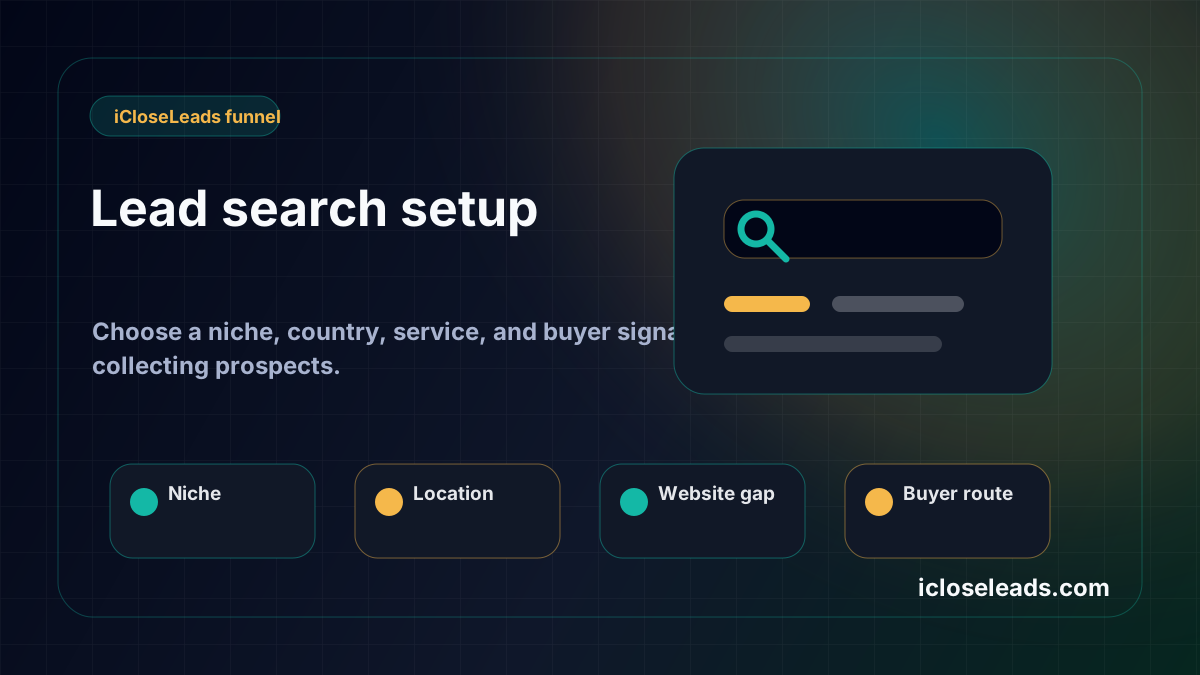
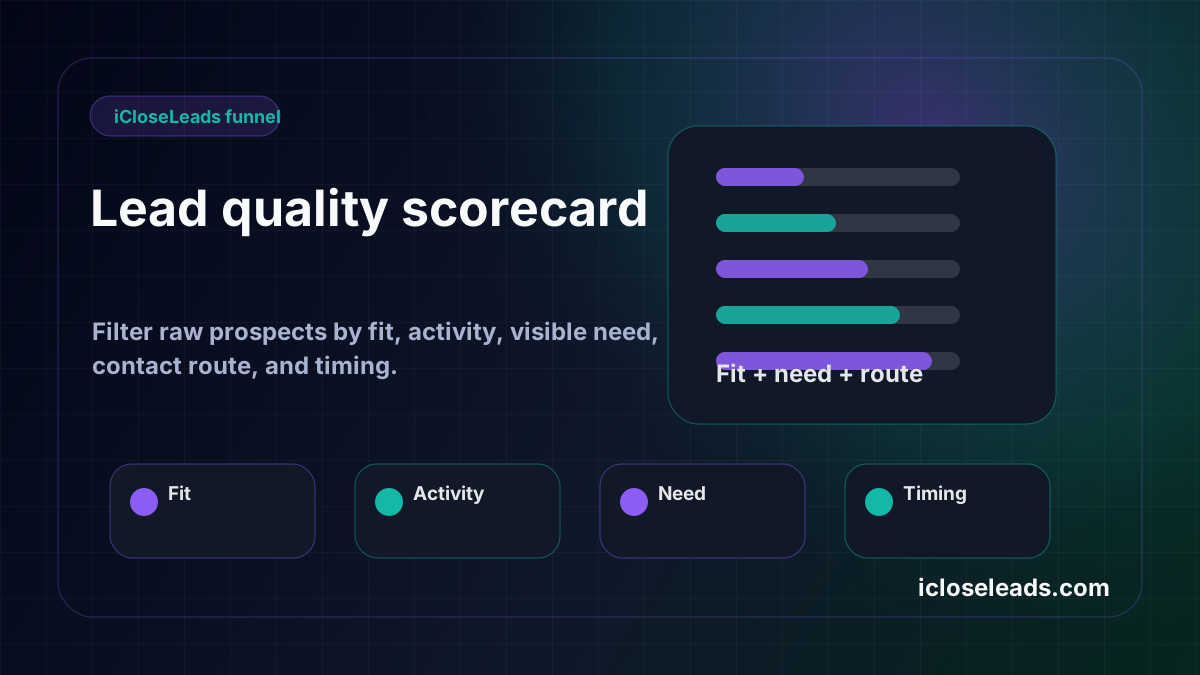
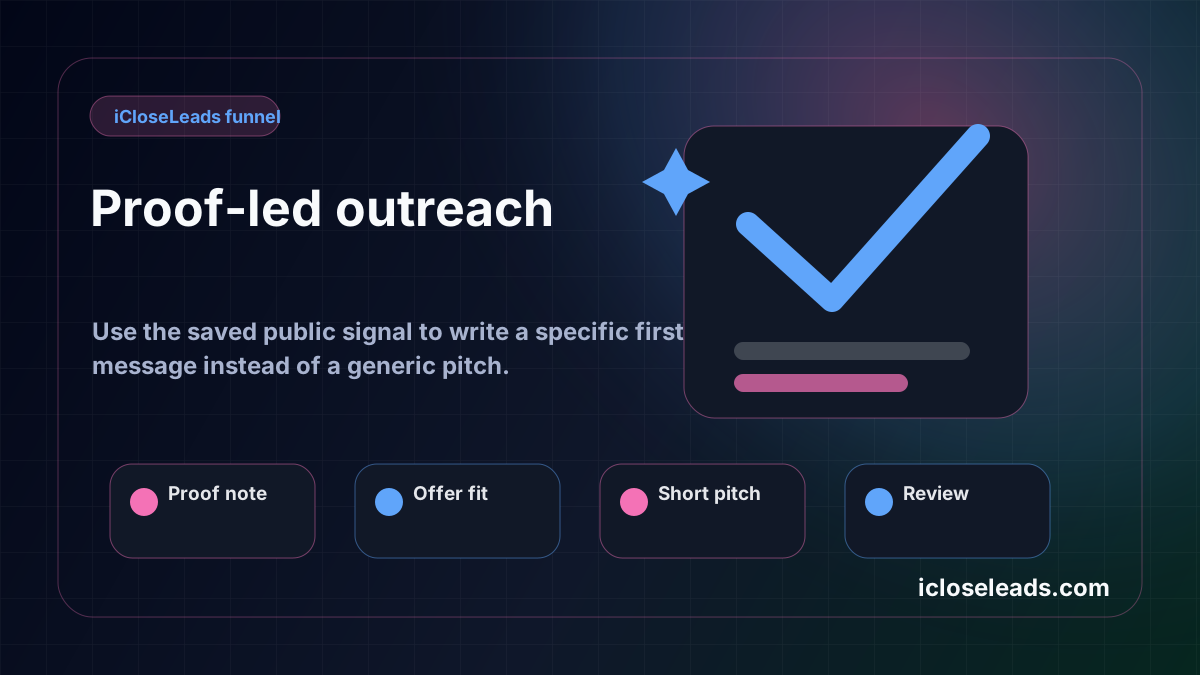
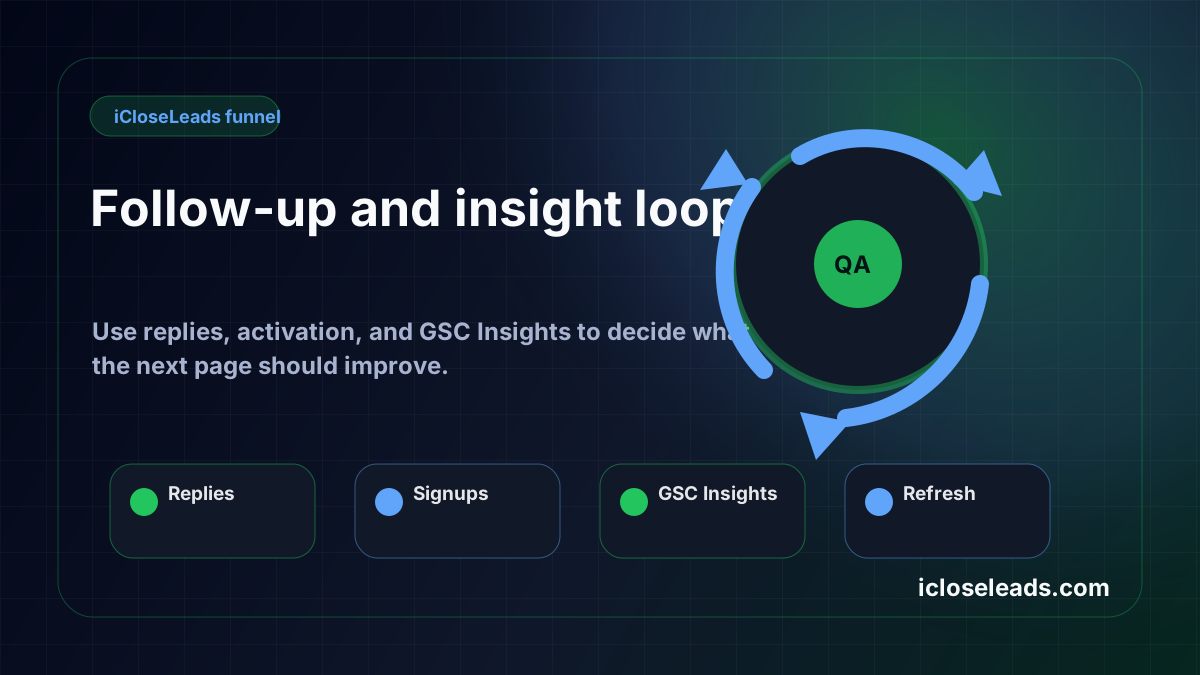
Turn the article into a lead workflow
Use the idea from this guide to find prospects, save only the best opportunities, prepare a specific pitch, and keep the follow-up attached to the original lead. Free users can start with 600 lead searches, then use the first saved lead as the test.
iCloseLeads Team
Helping freelancers build sustainable client pipelines through direct outreach and AI-powered tools.


