The Freelance Follow-Up System: How to Turn 'Not Now' Into 'Let's Go'
80% of freelance deals close after the 2nd or 3rd follow-up. Most freelancers send one email and give up. Here's the exact system to follow up without being annoying.

A prospect who doesn't respond to your first email isn't a rejection. They're busy, distracted, or not ready yet. Research shows 80% of sales happen after the 2nd or 3rd contact — yet 70% of freelancers send one email and never follow up.
This is the follow-up system that closes deals.
Why Following Up Doesn't Feel Pushy
The fear of being "annoying" kills more freelance careers than the market ever will. Here's the reframe: if you genuinely believe you can help this person, not following up is doing them a disservice. You're the one letting them miss out.
The rule: follow up until they say no or yes. "No response" is not a no.
The 4-Touch Follow-Up Sequence
Touch 1: Day 1 — The Original Outreach
Your initial email. Keep it short, personalized, one clear ask.
Touch 2: Day 4 — The Light Bump
> "Hi [Name], wanted to bump this in case it got buried. Happy to answer any questions or adjust the scope if needed — just let me know."
Short. No pressure. Easy to respond to.
Touch 3: Day 10 — The Value Add
Don't resend your pitch. Add value instead:
> "Hi [Name], I came across this [article/tool/insight] about [topic relevant to their business] and thought it might be useful regardless of whether we work together: [link].
>
> Still happy to chat about [original topic] if the timing is ever right."
This positions you as a thoughtful expert, not a desperate freelancer.
Touch 4: Day 21 — The Break-Up Email
This paradoxically gets the most responses:
> "Hi [Name], I don't want to keep filling your inbox — I'll leave it here.
>
> If the timing ever changes, I'm here. Best of luck with [their project/company]."
The finality prompts action from people who were interested but procrastinating.
What to Do After 4 Touches with No Response
If there's no response after 4 touches, archive and move on — but set a reminder to check back in 90 days. Business situations change. The person who couldn't afford you in March might have budget in June.
Following Up After a Proposal
Proposals need their own follow-up sequence because the stakes are higher and the decision timeline is longer.
Day 1: Send proposal
Day 3: "Just wanted to confirm you received this — let me know if you have any questions."
Day 7: "Checking in — is there anything I can clarify about the scope or timeline?"
Day 14: "I wanted to give you a heads up that I have another project potentially starting around [date] — happy to hold your spot if you'd like to move forward, but wanted to be transparent about timing."
Day 21: Break-up email
The timeline scarcity in Day 14 is genuine — if it's not, don't use it. Manufactured urgency gets sniffed out immediately.
Automating Your Follow-Ups
Use [iCloseLeads's Follow-Up feature](https://icloseleads.com/features/email-outreach) to schedule follow-up reminders and track where every prospect is in your sequence. No spreadsheet required — every lead gets the right follow-up at the right time.
Signs a Follow-Up is Working
- They opened your email (if you're tracking opens)
- They visited your website or portfolio after the email
- They respond with "not right now" — that's valuable information, and you can ask when to follow up
A "not now" with a specific timeline is better than no response. Mark it in your CRM and reach back out at exactly the time they specified.
[Manage all your follow-ups in one place →](https://icloseleads.com/features/email-outreach)
Visual workflow
See the system before you build it
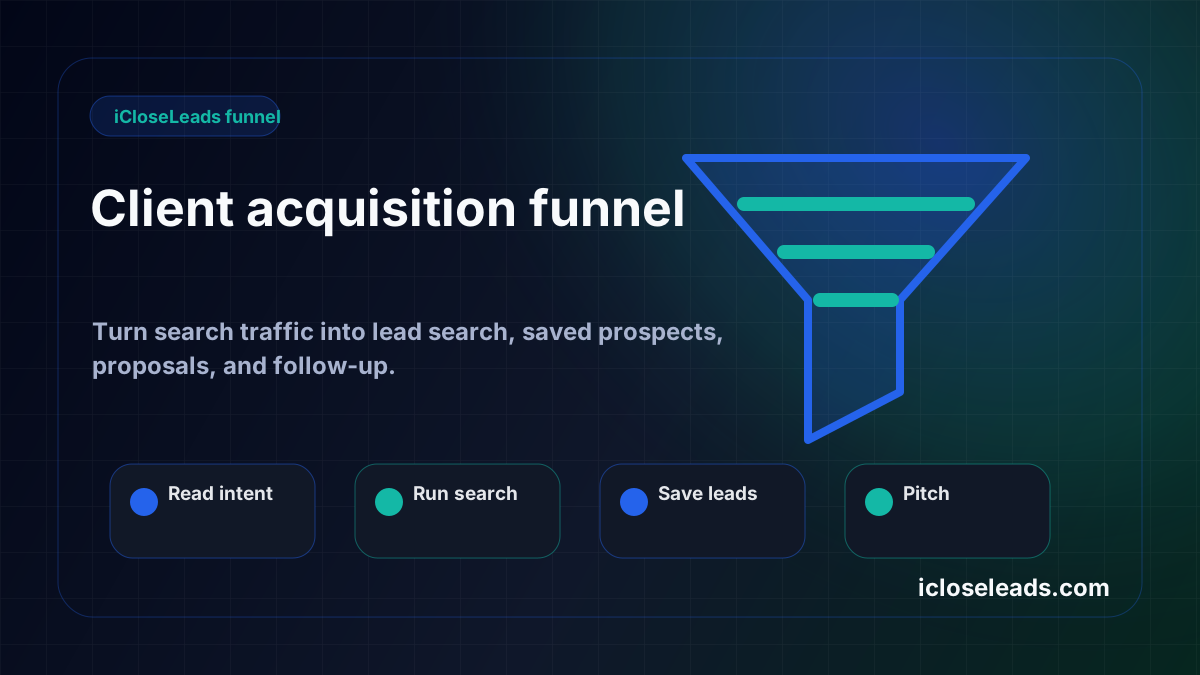
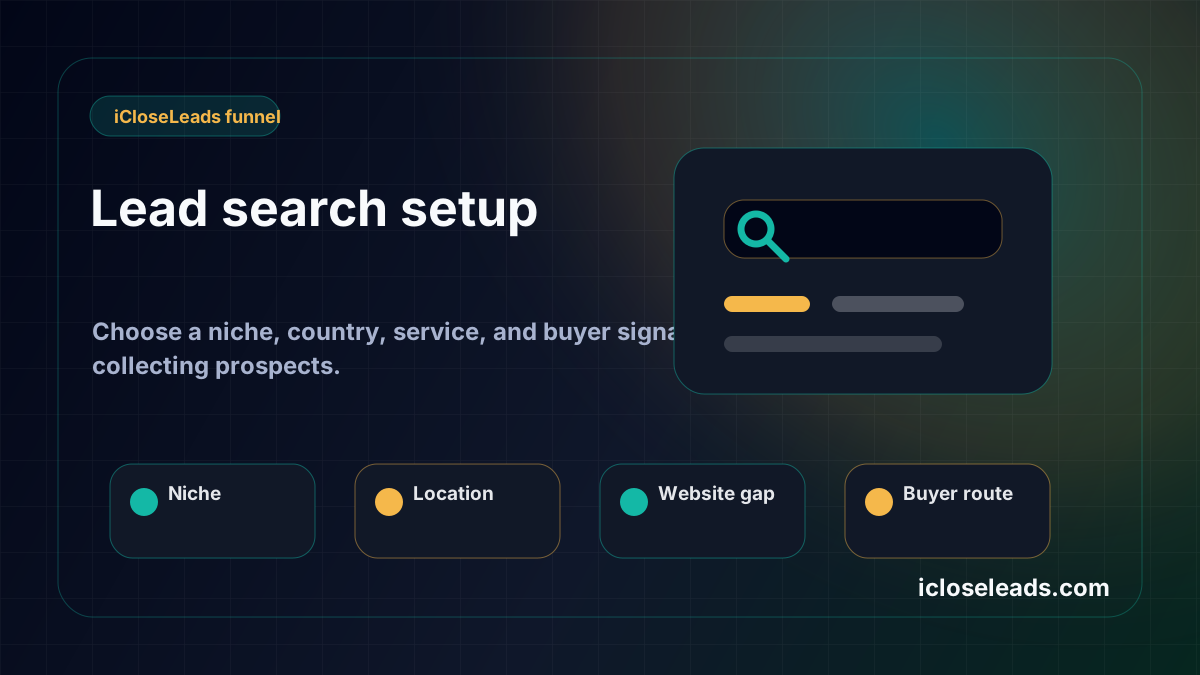
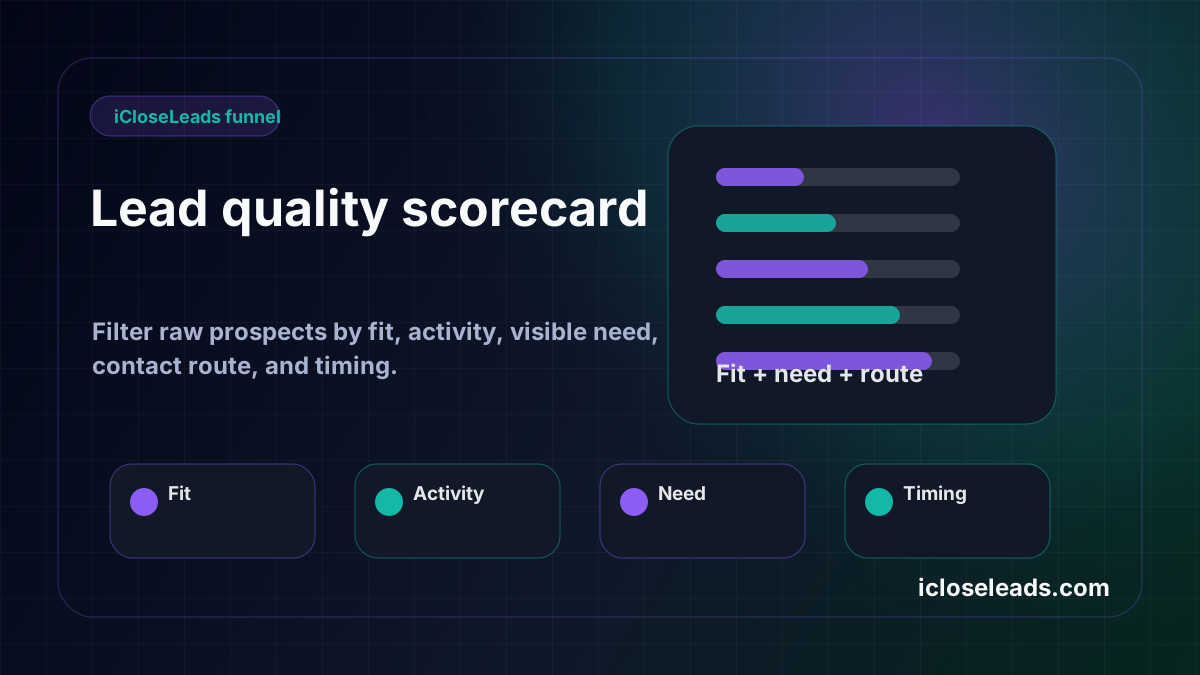
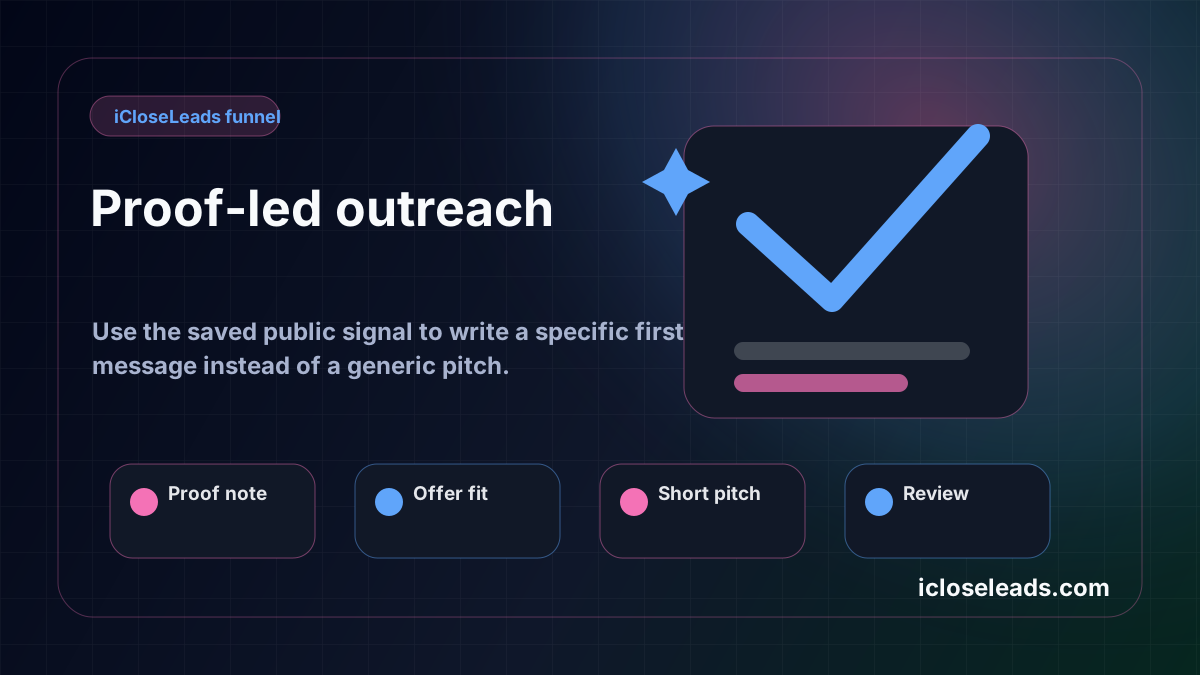
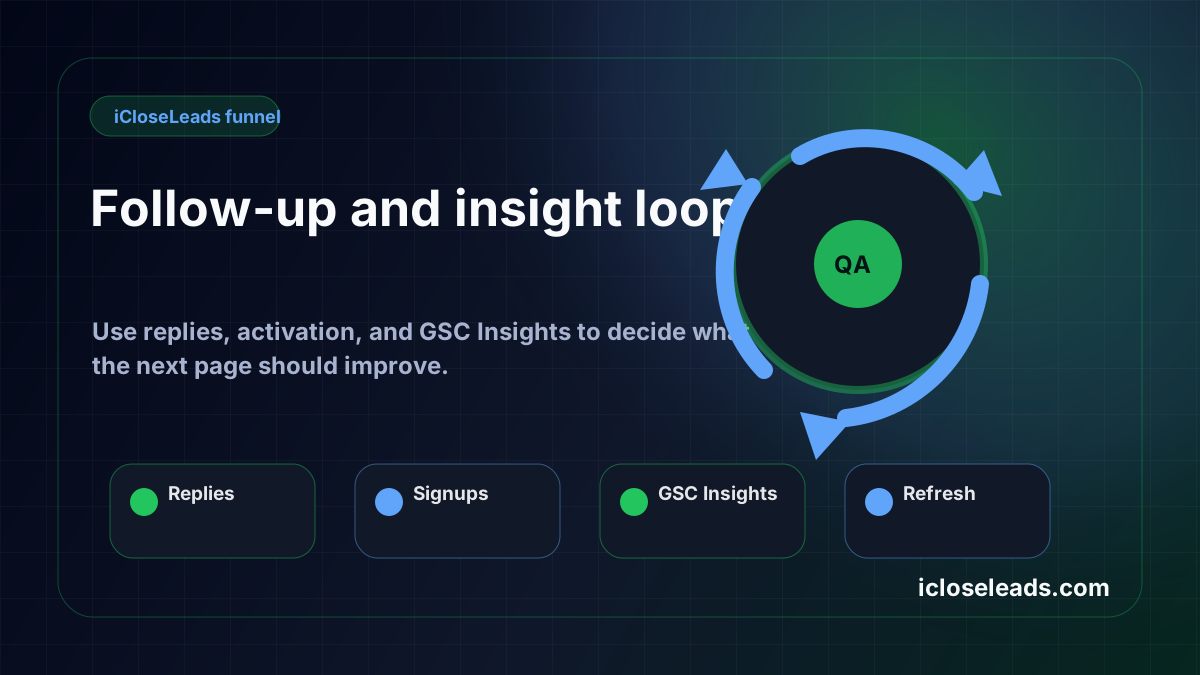
Turn the article into a lead workflow
Use the idea from this guide to find prospects, save only the best opportunities, prepare a specific pitch, and keep the follow-up attached to the original lead. Free users can start with 600 lead searches, then use the first saved lead as the test.
iCloseLeads Team
Helping freelancers build sustainable client pipelines through direct outreach and AI-powered tools.


