Cold Email Templates for Freelancers That Actually Get Responses in 2025
Stop sending cold emails that get ignored. These battle-tested templates and techniques will get you responses from high-paying clients — even if you're just starting out.

The average cold email gets a 1–3% response rate. But the best freelancers are getting 20–35%. The difference isn't luck — it's structure, personalization, and timing.
This guide gives you the exact templates, formulas, and strategies that are working right now.
Why Most Freelancer Cold Emails Fail
Before the templates, you need to understand why most cold emails don't work:
- They're about you, not the client — "I'm a talented developer with 5 years of experience" is about you. Nobody cares.
- They're too long — executives read email on mobile between meetings. They won't read 300 words from a stranger.
- The ask is vague — "Let me know if you're interested!" is not a call to action.
- They skip personalization — copy-paste emails look like copy-paste emails.
- They hit the wrong person — emailing a developer to ask for design work is a waste.
The Anatomy of a High-Response Cold Email
Subject line: Curiosity or specificity — not salesy
Opening line: Something specific about them (not "I hope this email finds you well")
Value proposition: One sentence about the specific outcome you deliver
Proof: One sentence about a result you've achieved for a similar client
Call to action: One simple, low-commitment ask
Total length: 60–100 words. No more.
5 Templates That Work
Template 1: The Observation Email
Best for: Web designers, developers, marketers targeting specific companies
> Subject: Quick thought on [Company Name]'s [website/emails/ads]
>
> Hi [First Name],
>
> I was on [Company Name]'s website and noticed [specific observation — slow load time, mobile layout issue, etc.].
>
> I help [type of company] fix [specific problem] — usually within [timeframe]. I recently helped [similar company] [specific result].
>
> Worth a 15-minute call this week?
>
> [Name]
Template 2: The Job Post Follow-Up
Best for: Responding to job board posts or LinkedIn job listings
> Subject: Re: [Job Title] at [Company]
>
> Hi [Name],
>
> Saw your post on [platform] for [role]. I've done exactly this kind of work — [one-line relevant experience].
>
> Here are 2–3 examples: [links]
>
> I'm available to start [date] and prefer project-based contracts. Rate: $[X]/hour or $[Y] fixed.
>
> Happy to jump on a call this week — what works for you?
Pro tip: Use [iCloseLeads](https://icloseleads.com) to find these job posts across 23 sources simultaneously, then use the built-in AI Proposal Writer to generate personalized emails in seconds.
Template 3: The Referral Email
Best for: When you have a mutual connection or have been referred
> Subject: [Mutual Contact] suggested I reach out
>
> Hi [Name],
>
> [Mutual Contact] mentioned you're looking for [specific skill/outcome]. I've helped several companies in [industry] with exactly that.
>
> Most recently: [one-sentence case study].
>
> Would a short call make sense? I can work around your schedule.
Template 4: The Local Business Email
Best for: Targeting small businesses in your area
> Subject: New website for [Business Name]?
>
> Hi [Name],
>
> I came across [Business Name] and noticed you don't have a website yet (or your current one hasn't been updated in a while).
>
> I build websites for local [industry] businesses in [City]. My last project for a [similar business] led to [outcome].
>
> I'd love to put together a quick proposal — would you have 10 minutes this week?
Template 5: The Value-First Email
Best for: High-ticket prospects, creative agencies, tech companies
> Subject: Free [audit/review/idea] for [Company Name]
>
> Hi [Name],
>
> I spent 20 minutes looking at [Company Name]'s [website/funnel/content] and found 3 quick wins:
>
> 1. [Specific finding]
> 2. [Specific finding]
> 3. [Specific finding]
>
> Happy to elaborate or just leave these with you. Either way — hope they're useful.
This template has the highest response rate because it gives value before asking for anything.
Subject Line Formulas That Work
- "[First Name], quick thought on [Company]" — 42% open rate average
- "Re: [something specific]" — appears like a follow-up
- "Question about [relevant topic]" — curiosity-driven
- "[Their company] + [your service] = [outcome]" — direct value prop
- Avoid: "Following up", "Checking in", "Hope you're well"
The Follow-Up Sequence
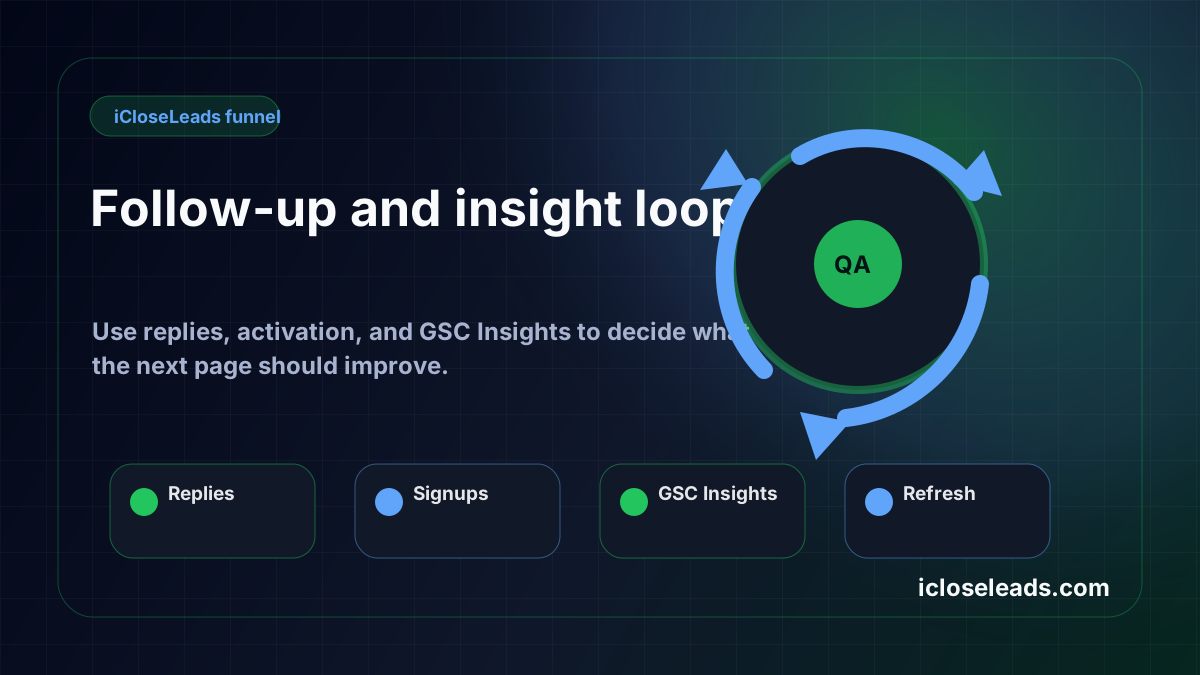
80% of sales happen after the 2nd or 3rd contact. Most freelancers give up after one email.
Email 1: Day 1 — original pitch
Email 2: Day 4 — short follow-up ("Did this land in the right place?")
Email 3: Day 10 — value-add ("Found this article I thought might be useful: [link]")
Email 4: Day 20 — break-up email ("I'll stop filling your inbox — but if the timing's ever right, I'm here.")
Use iCloseLeads's [Follow-Up feature](https://icloseleads.com/features/email-outreach) to manage all of this automatically.
Deliverability Checklist
Before you send, make sure:
- [ ] Custom domain email (not @gmail.com)
- [ ] SPF, DKIM, DMARC records set
- [ ] Email warm-up completed (if new domain)
- [ ] Under 3 links per email
- [ ] No spam trigger words (FREE, GUARANTEED, ACT NOW)
- [ ] Plain text or simple HTML (not heavy design)
[Find qualified leads to send these emails to →](https://icloseleads.com)
Visual workflow
See the system before you build it
Turn the article into a lead workflow
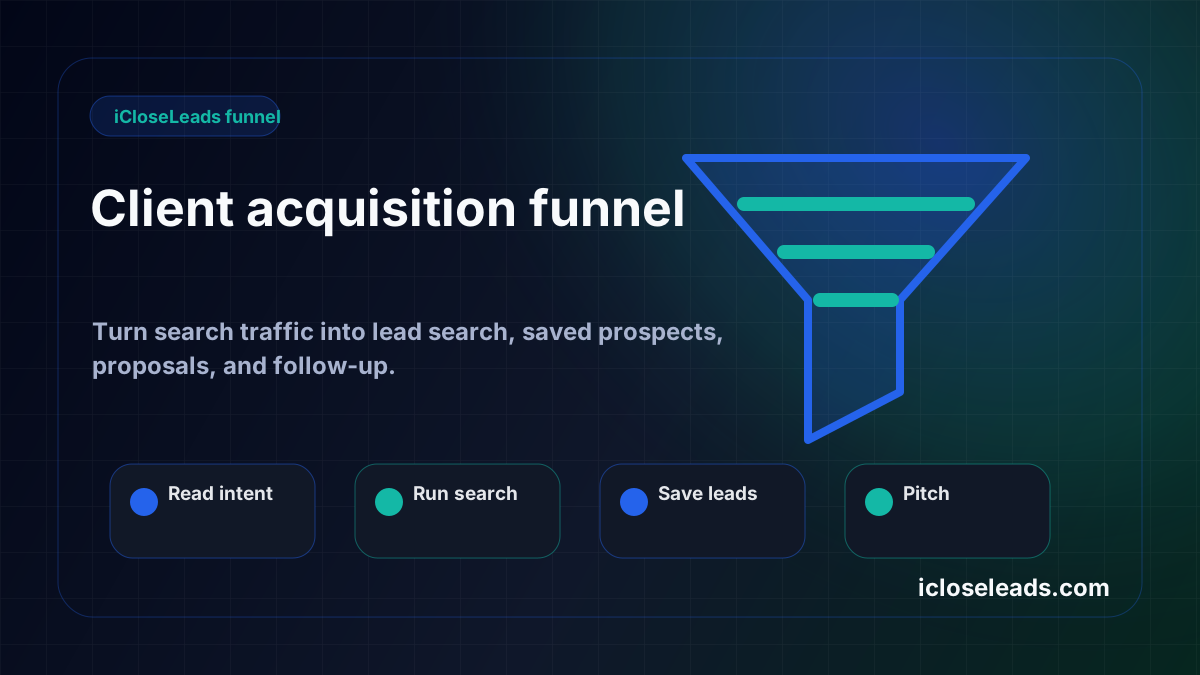
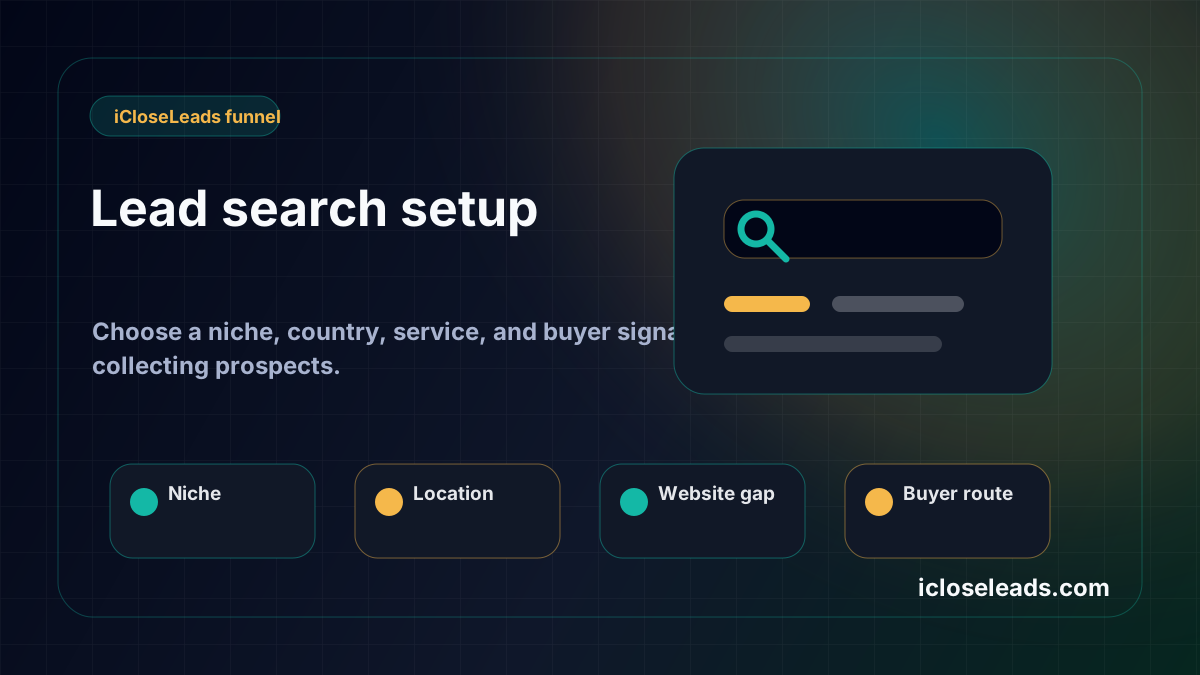
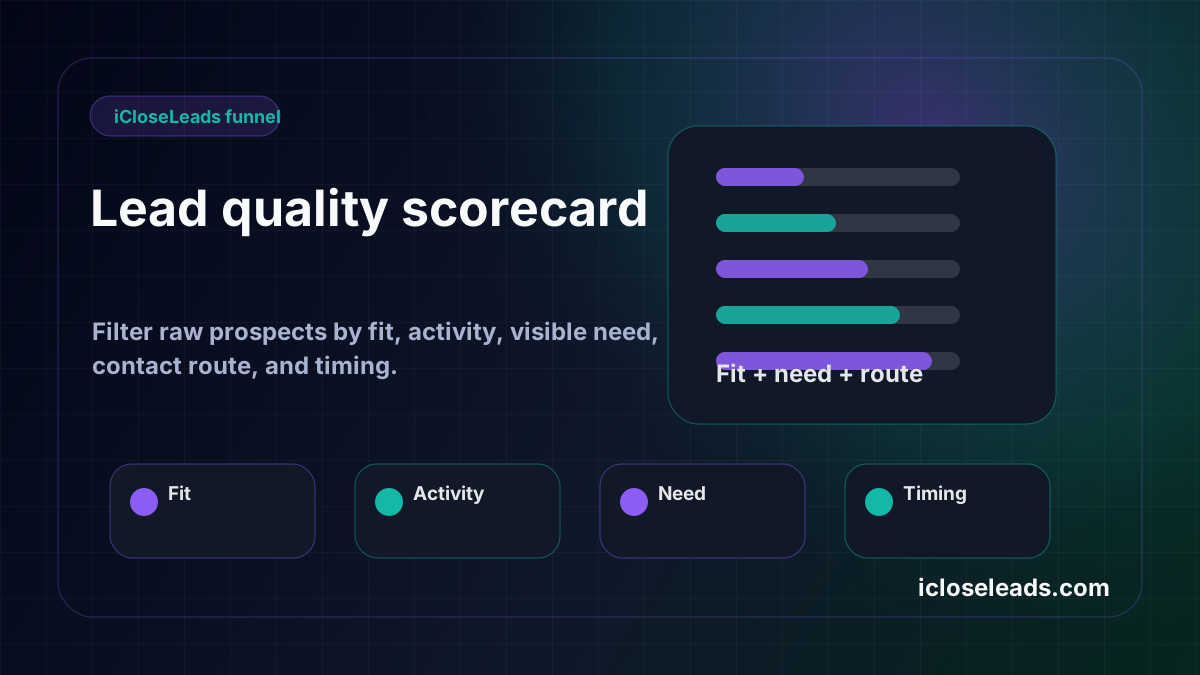
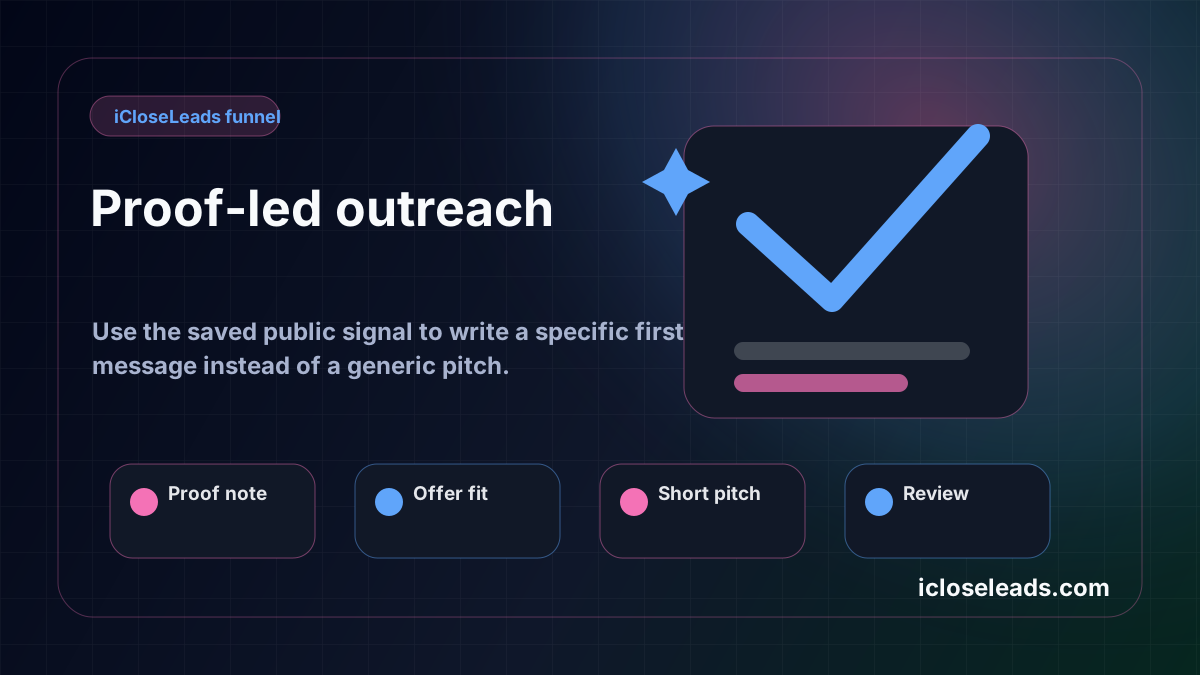
Use the idea from this guide to find prospects, save only the best opportunities, prepare a specific pitch, and keep the follow-up attached to the original lead. Free users can start with 600 lead searches, then use the first saved lead as the test.
iCloseLeads Team
Helping freelancers build sustainable client pipelines through direct outreach and AI-powered tools.


