Proposal-Ready Leads: The Missing Step Between Search and Outreach
How to turn raw prospect searches into proposal-ready leads with proof, business context, and a useful first offer.

Make the lead proposal-ready before outreach
Use this workflow after lead search: verify fit, save proof, choose the first offer, draft from context, and keep the next follow-up tied to the same lead record.
Built from the saved iCloseLeads GSC and DataForSEO run priorities around web design leads, local business leads, proposal-ready leads, client acquisition software, and the 600-free-leads offer.
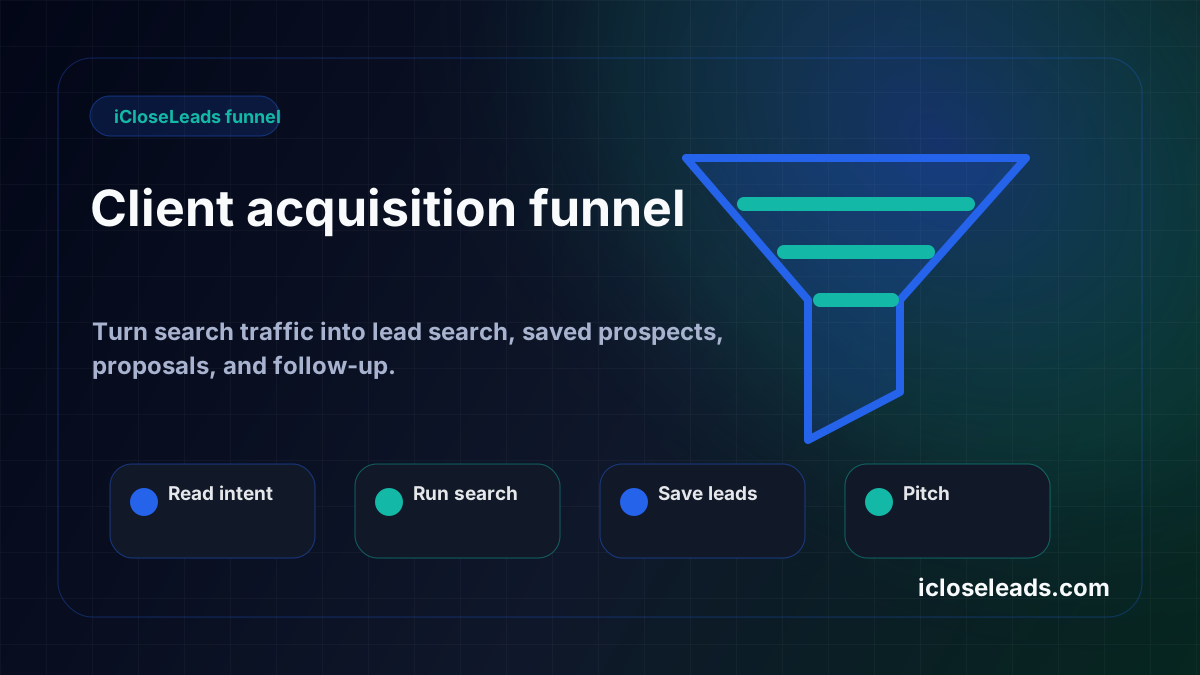
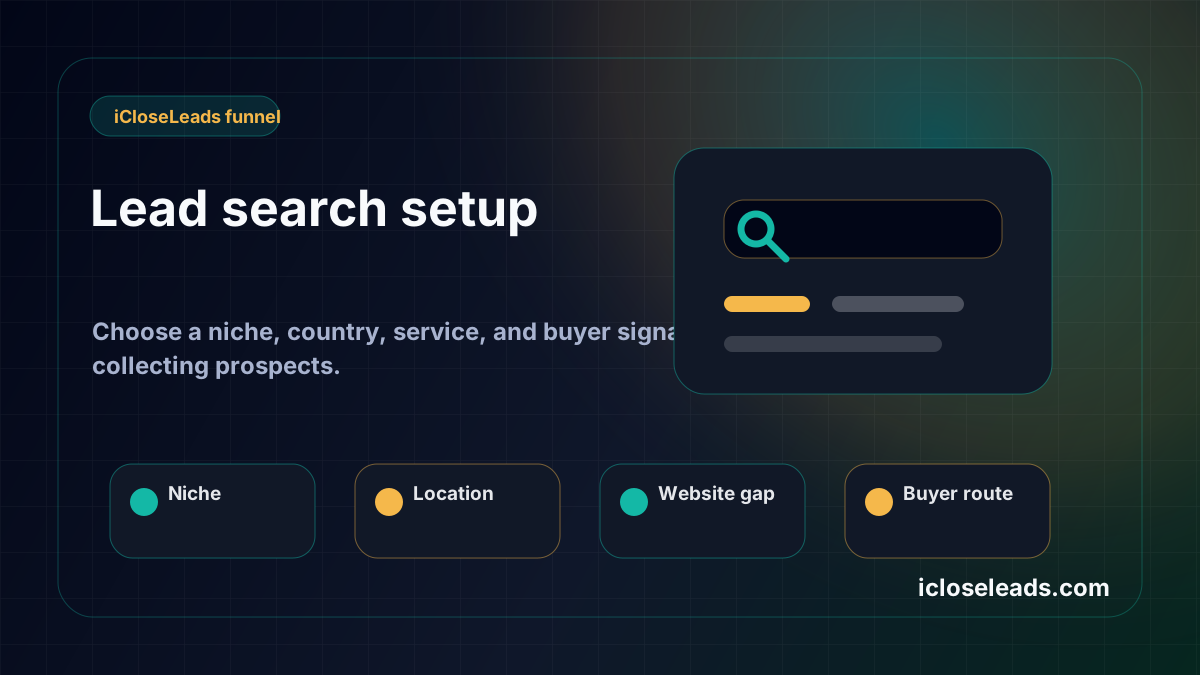
Draft from a saved lead- 1Choose one market
Pick the service, niche, city, or buyer signal before spending the weekly allowance.
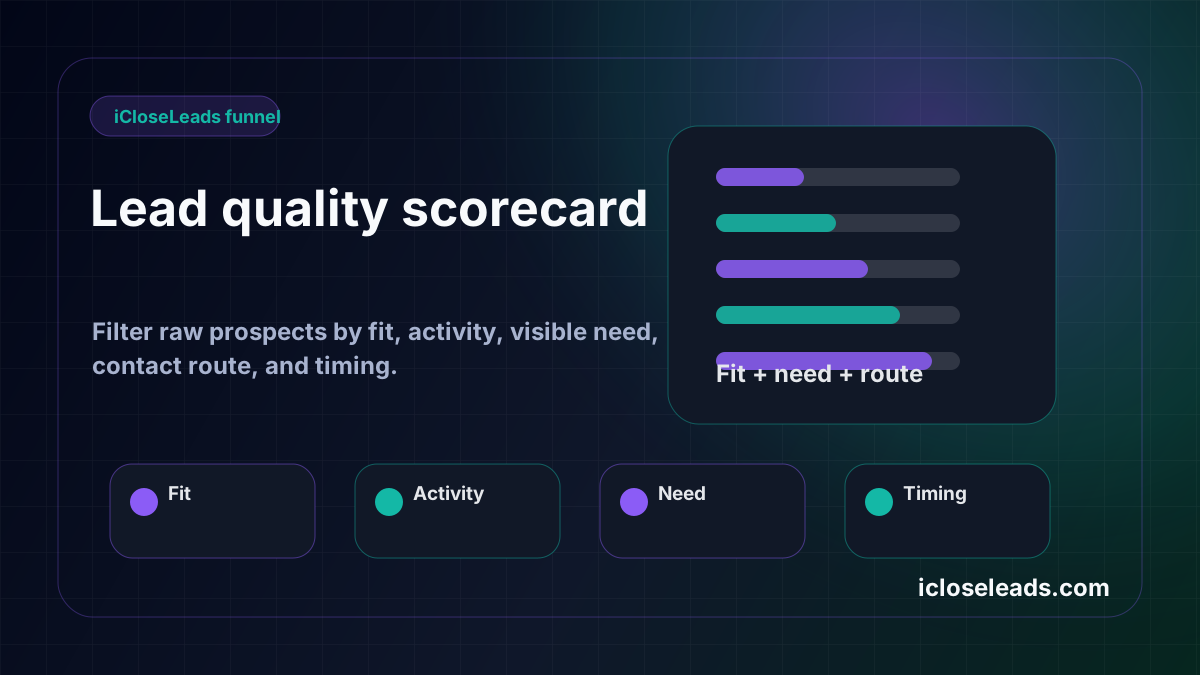
- 2Search and qualify
Keep only leads with visible proof, business fit, and a respectful contact path.
- 3Save the reason
Attach the website gap, local signal, source page, or proposal angle before outreach.
- 4Draft and follow up
Turn the saved lead into a reviewed proposal or outreach draft, then schedule the next step.
Most freelancers jump from finding a lead to writing a pitch. That is why the message often sounds generic. There is a missing step: make the lead proposal-ready.
The short answer
A proposal-ready lead has buyer fit, visible proof, service relevance, a reachable contact route, and a first-offer angle. If those pieces are missing, the lead should stay in research, not outreach.
Raw lead vs proposal-ready lead
| Raw lead | Proposal-ready lead |
| --- | --- |
| Business name | Business name plus source |
| Website URL | Website URL plus observed issue |
| Category | Category plus service fit |
| Contact page | Contact route plus respectful first ask |
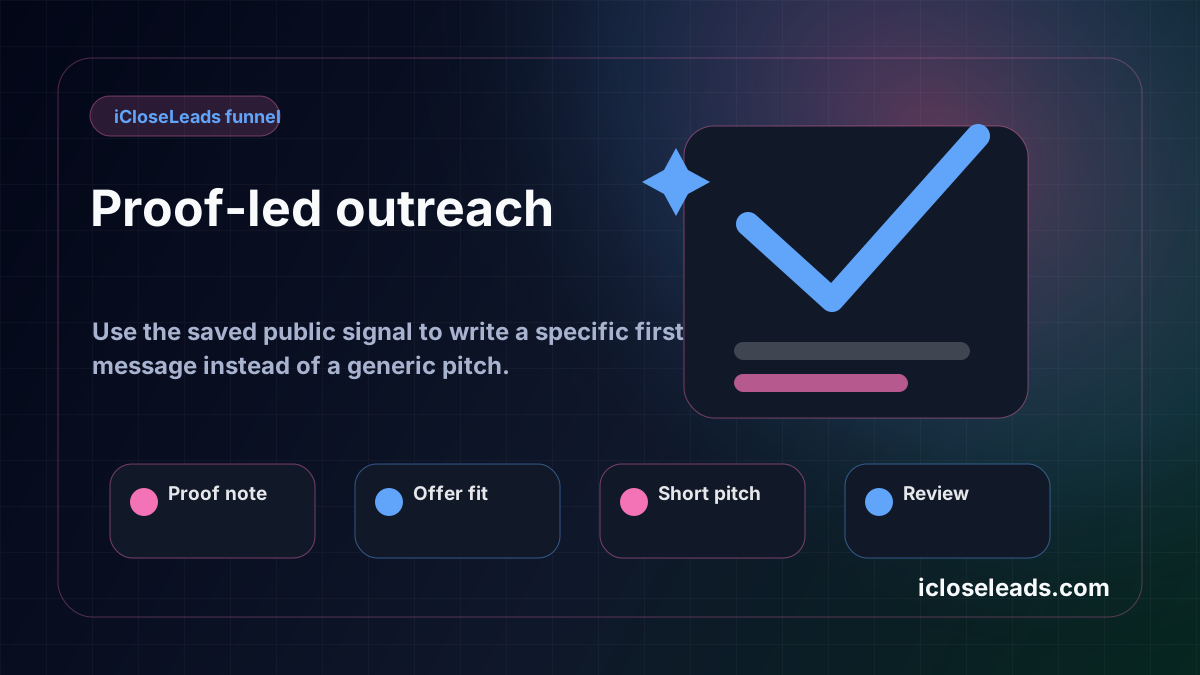
| Generic pitch | Proof-led first message |
The difference is not cosmetic. It changes response quality.
Build the proof note
A proof note can be one sentence:
- "Active local profile, but no website linked."
- "Service page does not answer emergency repair intent."
- "Quote button is below the fold on mobile."
- "Reviews show demand, but the homepage lacks trust proof near the CTA."
That one sentence gives the proposal writer context.
Create a small first offer
Do not pitch a full redesign immediately. Offer a lower-friction next step:
- A 3-point website audit.
- A landing-page outline.
- A booking-path review.
- A local SEO service-page suggestion.
- A small conversion fix.
Build the proposal-ready path
Start with a focused source such as web design leads or the local business leads scorecard. If you are using the free plan, the 600 free leads sprint gives you enough room to reject weak prospects before drafting. For the resource-page version, use web design lead generation.
Use the saved lead workflow
In iCloseLeads, save the best prospects, keep the reason attached, then draft a proposal from the saved context. The AI draft is a starting point, not the final message. Edit it until it sounds like a human who actually looked at the business.
Why this helps SEO traffic convert
Visitors who land on iCloseLeads from client-acquisition keywords need a clear product use path. This article gives them that path:
Search leads, qualify proof, save the lead, draft outreach, follow up, and measure the result.
Visual workflow
See the system before you build it
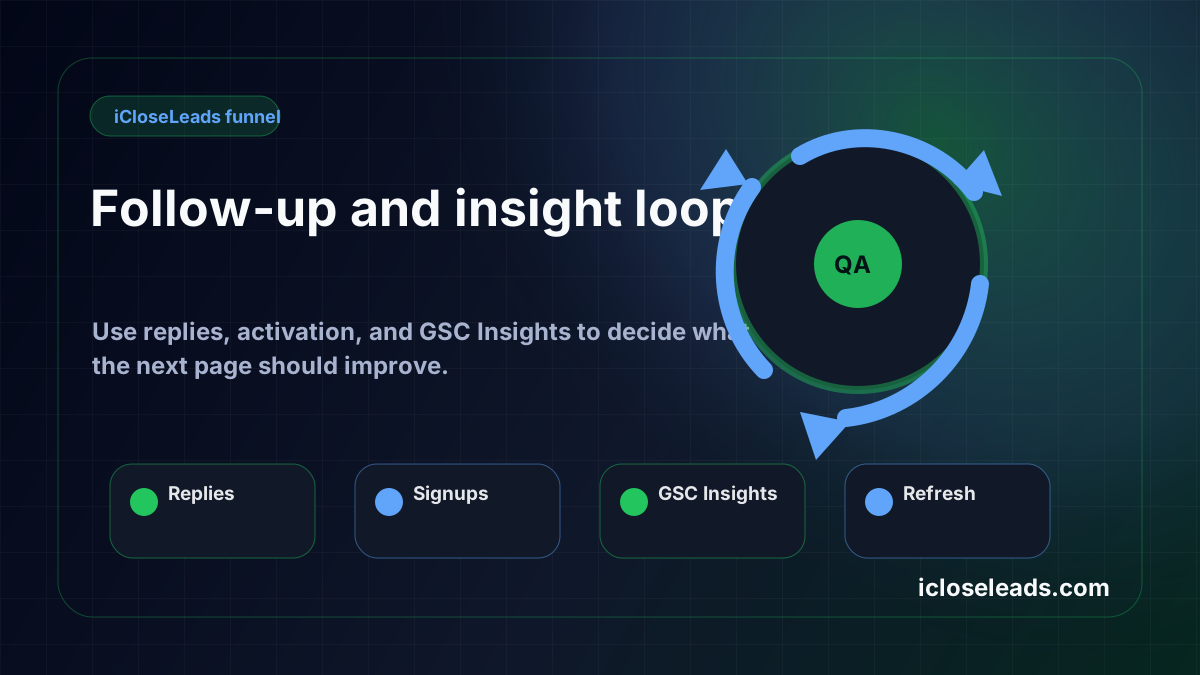
Turn the article into a lead workflow
Use the idea from this guide to find prospects, save only the best opportunities, prepare a specific pitch, and keep the follow-up attached to the original lead. Free users can start with 600 lead searches, then use the first saved lead as the test.
iCloseLeads Team
We study what works in freelance client acquisition so you don't have to. Subscribe for weekly insights.


